Professional Wayback Machine Website Recovery

Wayback Machine Downloader: Download & Restore Websites

Wayback Downloader (WaybackDownloader.net) is a done-for-you Wayback Machine downloader: we download your archived website from archive.org, remove the archive code, fix links and images, and deliver clean HTML or WordPress files. Every download is checked by hand, and the scope is based on what the archive actually contains.

Manual archive review

HTML or editable rebuilds

Historical URL review

Manual quality checks

Recovery depends on available captures. Confirm page coverage and the project scope before ordering.

Download a website from the Wayback Machine

Enter a domain or a Wayback Machine link. Preview every saved version and see the exact file count in seconds.

Restore a date range (optional)
or

No payment needed. See the quality first, then restore the whole website.

  • Preview every saved version
  • Exact file count before you pay
  • Ready-to-upload ZIP
BUILT AROUND A CLEAR RECOVERY PROCESS

Manual archive review

We review available captures before defining the recovery scope.

Clear deliverables

Know the format, included pages, and limitations before the build.

Editable rebuilds

Choose HTML, WordPress, Elementor, WooCommerce, Shopify, or a redesign.

Worldwide delivery

Remote restoration for businesses, agencies, developers, and site owners.

WHEN THE ORIGINAL SITE IS GONE

Download an Archived Website Without a Backup

A missing hosting backup does not rule out a rebuild. If public snapshots or surviving files contain useful material, we can assess what can be reconstructed after deletion, expired hosting, a failed migration or damage to the original site.

For an expired or acquired domain, review the historical content and your right to reuse it before restoration. The aim is to recover a legitimate website, not reproduce content you are not entitled to publish.

Website restoration specialist reviewing archived page captures at a workstation

Domain available

Reconnect the restored site to your current or replacement domain.

Hosting backup missing

Use public archived snapshots as the recovery source.

Old URLs still matter

Rebuild the historical structure where the archive provides enough evidence.

Platform needs to change

Recreate the recovered site in a maintainable modern format.

RESTORATION SERVICES

Wayback Machine Downloader Services

Choose the output you need. Starting prices cover the selected service; website size, archive gaps and required functionality determine the confirmed scope.

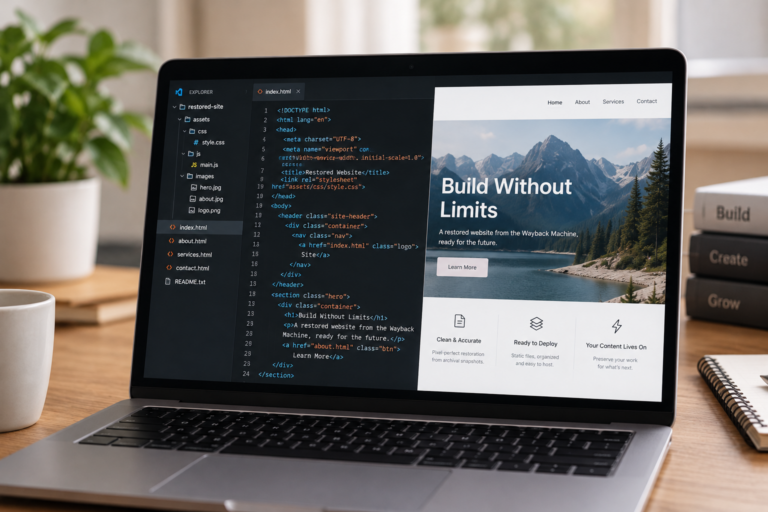
HTML website restoration workspace with source code and restored page preview

HTML Website Restoration

Recover captured pages and assets as a clean static website package for download and hosting.

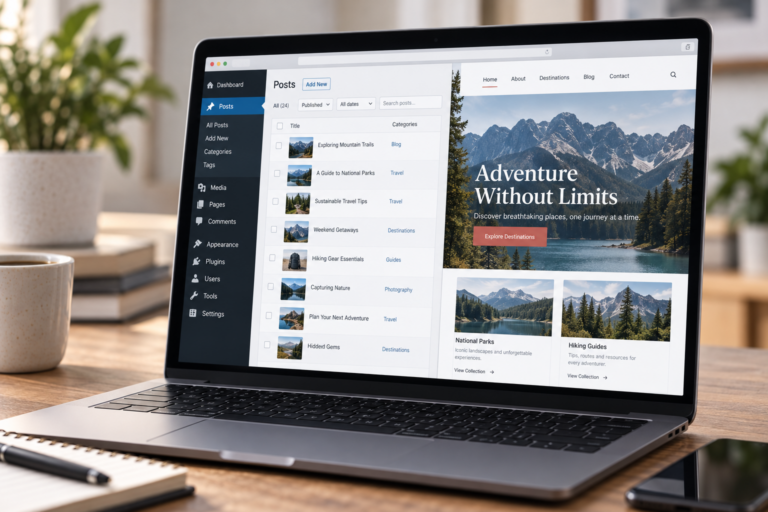
WordPress restoration workspace with editable content and rebuilt website preview

WordPress Restoration

Rebuild archived pages, posts, media and navigation in WordPress so the recovered content can be managed in a CMS.

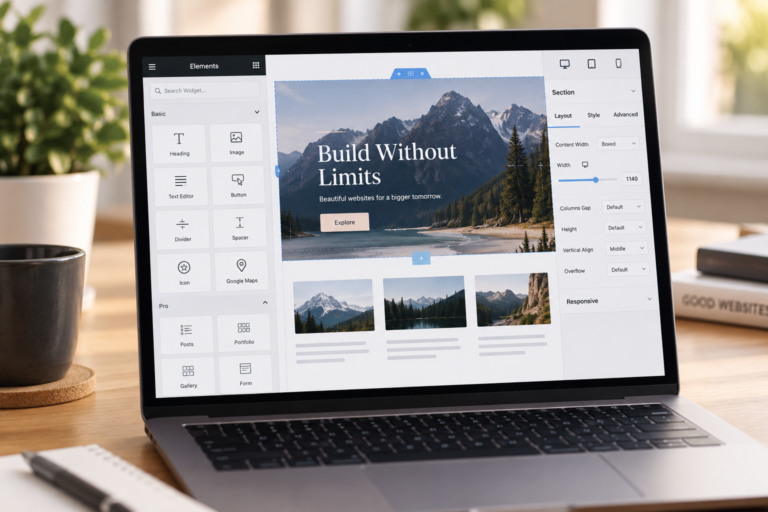
Elementor restoration workspace showing an editable responsive page layout

Elementor Restoration

Recreate the public layout with editable Elementor widgets, containers and responsive controls.

WooCommerce recovery workspace with organised products and storefront preview

WooCommerce Recovery

Reconstruct captured product pages, categories and storefront content. Private orders and customer records require another source.

Shopify restoration workspace with products, collections, and storefront preview

Shopify Store Restoration

Use captured products, collections, pages and navigation as the source for a new Shopify storefront.

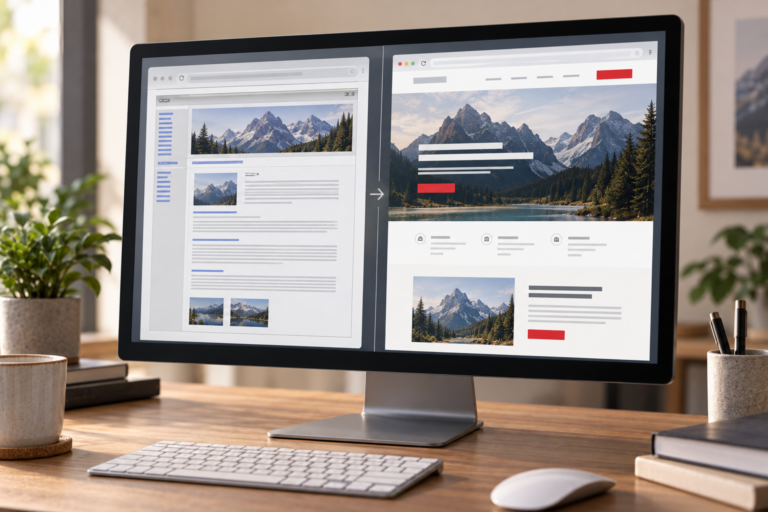
Archived website layout compared with a refined modern responsive redesign

Restore & Redesign

Keep useful archived content while rebuilding the site with a refreshed layout and a maintainable platform.

Good to know: the order form shows the current service price before checkout. Large websites, complex interactions, custom functionality, or incomplete archives may require a reviewed quote.

ARCHIVE RECOVERY SCOPE

What can be recovered from the Wayback Machine?

Public snapshots can preserve useful website material. Archive coverage determines what can be rebuilt.

Often recoverable

Public website material captured by the archive can often be restored, including:

Page copy and headings
Public images and files
Navigation and page relationships
Historical URL paths
Visible layout references
Public product information

Not in public snapshots

Certain data and functionality are not stored in public snapshots and cannot be recovered, including:

Passwords and private accounts
Original databases and hosting settings
Payment records and store orders
Uncaptured media and private files
Email inboxes and server logs
Uncaptured server-side functionality

Recovery depends on what was captured. Missing private data or uncaptured functionality requires another source or a new build.

HOW IT WORKS

How Website Restoration from the Wayback Machine Works

Every project starts with the archive and ends with a usable deliverable. The exact scope depends on what the Internet Archive captured.

01

Submit the URL

Share the original domain or an Archive.org capture URL and select the restoration format.

02

Review archive coverage

We examine available dates, pages, assets, URL patterns, and visible gaps before defining the scope.

03

Recover and rebuild

Archived material is downloaded, organised, repaired, and rebuilt in the selected platform.

04

Test and deliver

We review links, layouts, responsive behaviour, and the agreed deliverables before handoff.

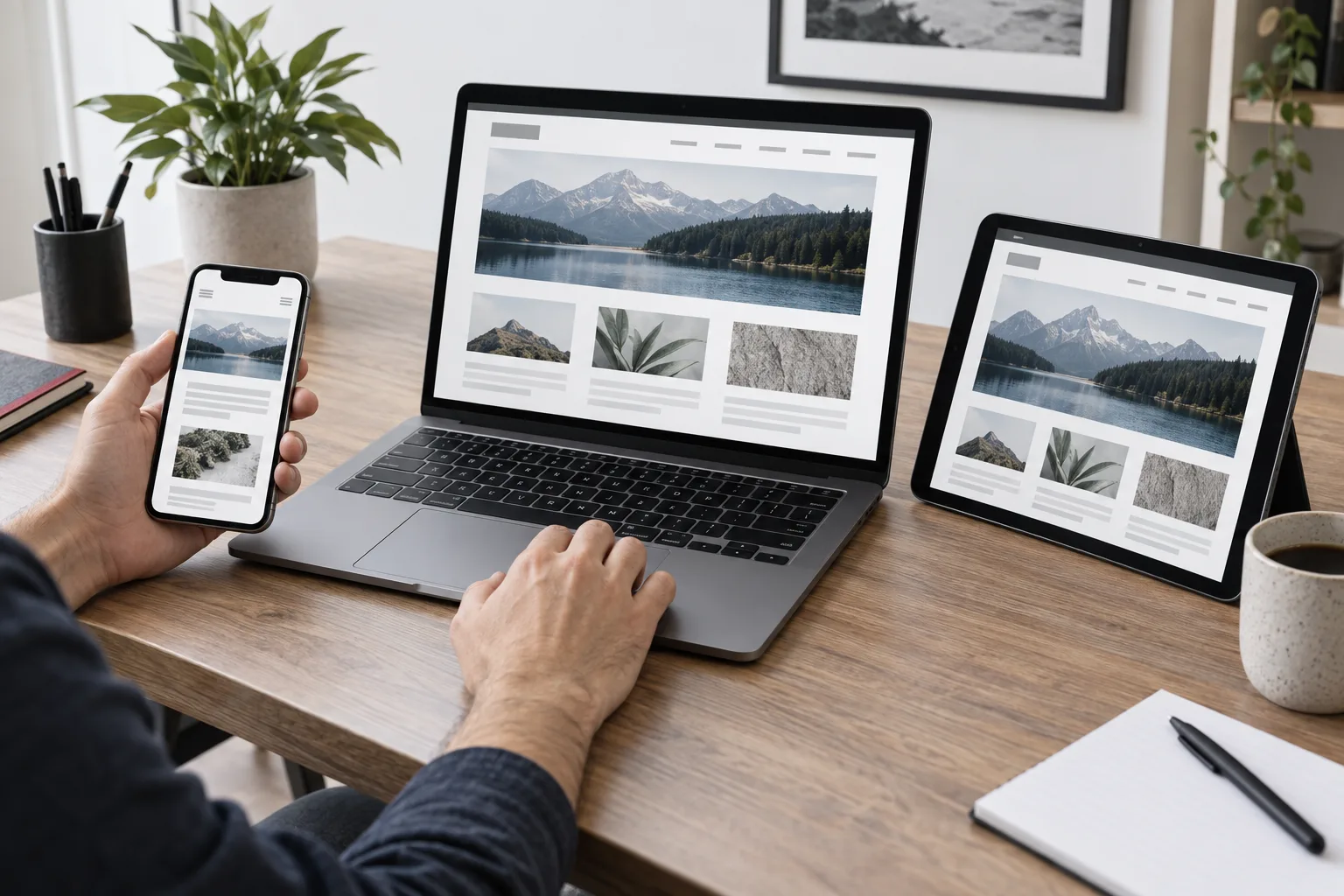
Developer checking a rebuilt website across laptop, tablet, and mobile screens
MORE THAN A RAW WAYBACK DOWNLOAD

Why a Wayback Machine Download Is Not Always a Working Website

An archive download can contain useful files without being ready to go live. Pages may still point to archive URLs, assets may be missing, and scripts or relative links may no longer work.

Our rebuild scope addresses those gaps where the evidence allows. Forms, CMS editing and responsive layouts need separate reconstruction and checks. A static download does not restore a private database or recreate an application automatically.

Project need
Raw archive files
Manual restoration

Files and paths

Captured files may retain archive references

Recover available files and review important paths

Assets and scripts

Coverage can be incomplete

Identify missing resources and agree replacements

Editing

Static files require appropriate editing tools

Choose WordPress or Elementor for CMS editing

Delivery

Raw files may need further work

Review the agreed build before handoff

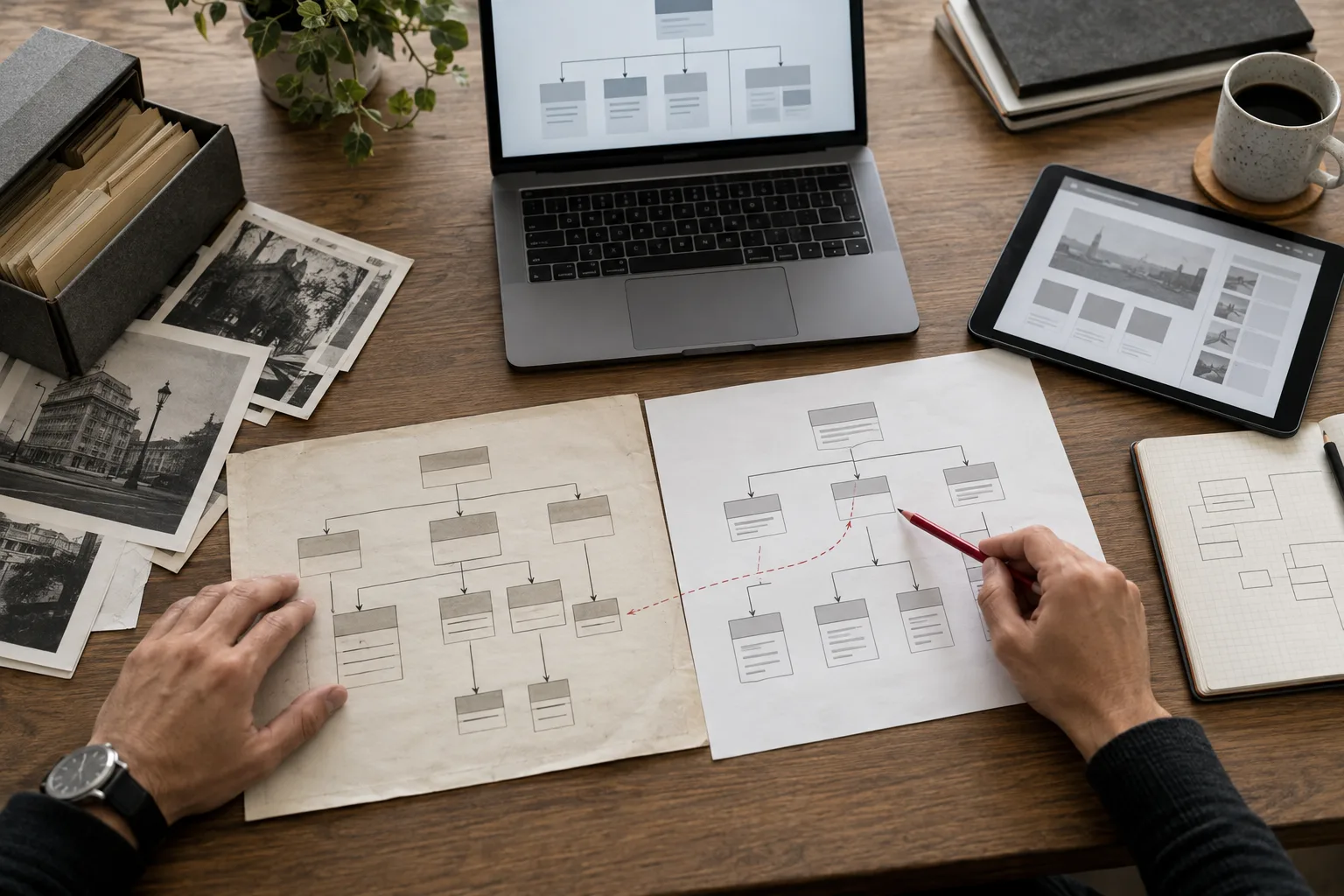
Hands mapping an archived website structure to a rebuilt sitemap

Archived routes are mapped against the rebuilt structure before important paths are changed.

STRUCTURE THAT STILL MATTERS

Recover the site without casually discarding its historical URL structure.

Old page paths may still be referenced by search engines, backlinks, customers, or internal documents. When archived evidence is available, we use it to map important URLs, rebuild navigation, and reduce avoidable changes during restoration.

Restoration can preserve useful structure, but it cannot guarantee previous rankings, traffic, or complete SEO recovery.

DELIVERY EVIDENCE

Why Choose Wayback Downloader?

The service combines archive collection with manual reconstruction. You choose the delivery format, understand the coverage limits and have important routes reviewed before handoff.

01

Archive map

Captured dates, discoverable pages, asset availability, and visible gaps are reviewed.

02

Build review

Recovered pages are checked against the chosen HTML, WordPress, Elementor, or WooCommerce scope.

03

Link review

Primary navigation, internal routes, and important calls to action are tested.

04

Responsive review

Key layouts and controls are checked across desktop, tablet, and mobile widths.

05

Limitations record

Missing archive evidence and anything requiring replacement are identified clearly.

06

Delivery handoff

You receive the agreed files or editable website with the project scope confirmed.

WHO WE HELP

Website Recovery for Businesses, Agencies and Developers

Business owners

Recover a company website after hosting loss, migration failure, or missing backups.

Agencies

Rebuild archived client sites with a clear scope and an editable delivery option.

Developers

Start with organised archive files instead of manually collecting every snapshot.

Ecommerce teams

Reconstruct public storefront content when the original store is unavailable.

01

How archive coverage affects a restoration

Capture dates, page depth and saved assets vary. We review those gaps before confirming which pages and files can be rebuilt.

02

What a public web archive cannot store

A public snapshot records visible website material, not private databases, passwords, customer records or hosting settings.

03

Why historical URLs should be reviewed

Historical paths may still receive visits and backlinks. Review important URLs before changing the platform or navigation.

RECOVERY KNOWLEDGE

The decisions that make an archive restoration more reliable.

Capture dates, missing assets and historical routes determine the restoration scope. Review these essentials before selecting a format, so the rebuild matches the evidence available for your website.

FREQUENTLY ASKED QUESTIONS

Wayback Machine Downloader FAQs

Archive restoration depends on the evidence available for each domain. These answers explain the most important limits, formats, and expectations.

It may be possible when the Internet Archive captured enough public pages and assets. We review the available snapshots first because archive coverage varies by website and date.

We provide a manual restoration service. Clean HTML delivery is available when you need recovered files, while WordPress, Elementor, WooCommerce, and redesign options provide a rebuilt website.

Public archives do not normally contain passwords, private databases, customer accounts, payment records, email inboxes, server settings, or uncaptured files.

We preserve important historical URL paths when the archive provides enough evidence and the agreed project scope supports them. Ambiguous or missing routes are documented for review.

Yes, when you choose WordPress, Elementor, WooCommerce, or restore and redesign. The HTML option is intended for a static file delivery or developer handoff.

No. A careful rebuild can preserve useful content and structure, but previous search rankings, traffic, backlinks, and indexing outcomes cannot be guaranteed.

Captured products, collections, pages and navigation can provide the source for a new Shopify storefront. Shopify projects need a reviewed custom quote and are not available in the standard checkout service selector. Private customer records and orders require another source.

A rebuild may be possible without a hosting backup if public snapshots or surviving files contain useful material. The archive review identifies what is available and what will need replacement.

Only the material that was captured and remains accessible can be collected. A domain may have incomplete pages, dates or assets, so a complete original copy cannot be promised.

Yes, recoverable public pages, posts and media can be rebuilt in WordPress. Public snapshots do not restore the original WordPress database, private users or configuration.

We identify missing images during the review and check the surviving sources you provide. If the original files cannot be found, replacement assets need to be agreed as part of the scope.

Current starting prices are $30 for HTML, $79 for WordPress, $149 for Elementor, $249 for WooCommerce and $299 for redesign with restoration. Shopify and more complex scopes require a reviewed quote.