- Professional Website Recovery
- Manual Restoration
- Worldwide Service
Home / Start Restoration
Start your website restoration with an original domain or Wayback Machine archive URL. Choose a rebuild format for each site, and our team manually reconstructs the public content available in its archived captures.
Captured public content
Historical URL review
Agreed delivery format
Manual quality checks
Recovery depends on available captures. Confirm page coverage and project scope before ordering.
Enter one website or archive URL per row and select its restoration service. You can combine different formats in one order. Check each selection and the total before continuing.
Real people, careful restoration work.
Choose how you will maintain the rebuilt site.
Receive the agreed files and delivery notes.
Pick the format that fits how you want to use and maintain your website.
Choose static HTML, CSS and available assets when you want hosting-ready files rather than a CMS.
Choose a WordPress rebuild for CMS-managed pages and posts. Editing requirements depend on the agreed implementation.
Choose Elementor when you need WordPress pages with visually editable layouts and responsive sections.
Choose WooCommerce to rebuild captured public products and store pages. Private orders and customer records require backups.
Choose redesign to use recoverable content in a refreshed layout instead of recreating the archived design.
Prepare these details for each website so we can assess archive coverage, identify missing material and agree on the rebuild. If you are unsure what survives, request an archive review before placing an order.
Provide a Wayback Machine capture link or an approximate date. Mention whether the original site used www or a subdomain.
Identify the pages that matter most, including important articles, product pages and historical URLs you want preserved where possible.
Tell us which original images, exports, old site files or backups are available. Share files through the agreed project channel, not the public URL field.
List forms, store features or integrations that need rebuilding. Archived appearance does not mean the original server-side functionality is recoverable.
Illustrative source-review workspace. Start with your domain and available captures.
Public archives can provide useful source material, but they do not contain everything. Review these limits before adding a website to your order.
Captured public pages and text
Available images and media files
Historical URLs and link references
Layout evidence from preserved captures
Private databases, customer accounts and orders
Passwords, payment records and login data
Server-side code and private integrations
Files that were never publicly captured
Each website has its own sources and reconstruction scope, even when several websites are submitted together. The selected service defines the rebuild format; the available captures determine what can be recovered.
We review the supplied domain or capture links, compare available snapshots and identify useful pages, images and layout references.
We clarify priority pages, gaps, required features and delivery responsibilities so the reconstruction scope is clear.
Our team reconstructs the agreed public content in the selected format and reviews links, layout and responsive behavior.
You review the agreed deliverable and receive the rebuilt files or editable website, together with relevant handover notes and known limitations.
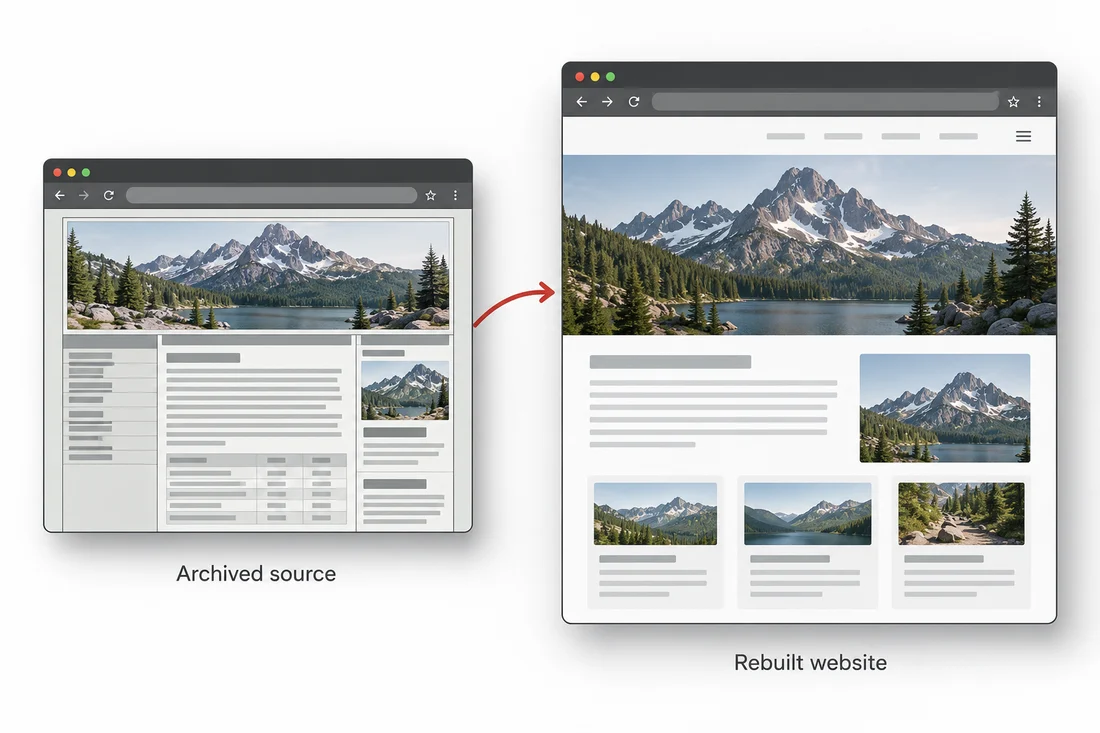
Conceptual illustration, not a completed client project.
Choose HTML for static files, WordPress for CMS-based content updates, or Elementor for visual layout editing. WooCommerce is for rebuilding captured store content. Choose redesign if you want recovered content in a new design. If you are unsure, contact us before ordering.
Share the captures and any surviving files you have. We can compare sources, identify gaps and explain what can be reconstructed. Public archives cannot supply uncaptured private data. Ask for an archive review before ordering when important pages are missing.
Yes. Use Add Another Website for each additional domain and choose a service for that row. Different websites can use different restoration formats. The total updates from all selected services; Remove deletes only that row. Each website is reviewed against its own available archive sources.
Timing depends on the number of websites, page coverage, missing assets and the selected rebuild format. Confirm the scope and expected delivery schedule with our team rather than assuming a fixed turnaround.
The deliverable follows the selected service and agreed scope: static files for HTML, a WordPress or Elementor rebuild, captured public store content rebuilt in WooCommerce, or recovered content in a redesigned site. Confirm hosting, installation and launch responsibilities before work begins. Our delivery and handover guidance explains what to clarify.
You can enter either a full original website URL, such as https://example.com, or a Wayback Machine capture URL. Include https:// and use a separate row for each website, not for every page on the same site. A preferred capture date and priority-page list help define the project. If important captures are missing, request an archive review first.
Each website row has its own selected service and displayed price. The order summary adds those selections and updates when you change a service or remove a website. Review the total and confirm any requirements outside the listed service scope with our team before ordering.
Add your website above, or ask us about the archive coverage before ordering.
