
Clean static files
HTML delivery without a CMS.
Corrected paths
Review archive links and local assets.
Manual checks
Check the agreed pages before handover.
Your archived website. Ready as static files.
A file-based recovery, not a new CMS
HTML restoration uses preserved public material to reconstruct a static website. It is suited to brochure pages, historical content, and projects that do not need visual content editing. The published package price is $30; confirm the included page coverage and cleanup work before ordering.
Keep the recovery brief focused on the public pages and files you actually need. Identify any interactive features that require a working replacement rather than a static reference.
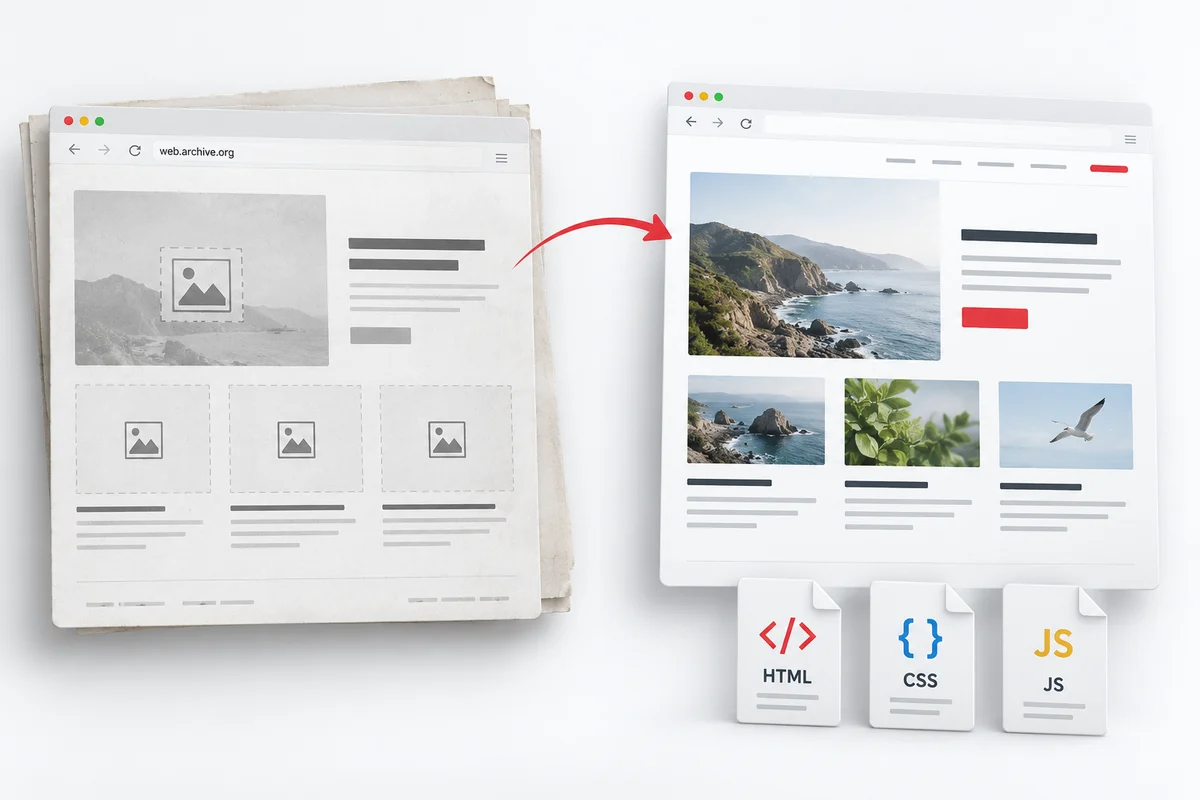
Concept illustration, not a completed client project.
PLAN THE REBUILD
A file-based recovery, not a new CMS
Choose HTML when you need a lightweight public website and your team can maintain files directly. Decide which URLs, assets and interactive elements belong in the delivery.
What we review
The review considers captured page copy, available images, navigation, styles, downloads, and historical paths. Archive references and links need to be adapted for the rebuilt site. Missing images or files may exist in another capture, but no recovery can be promised for material the archive did not preserve.
Static pages have practical limits
An HTML page can reproduce visible content, but a contact form, site search, login, or checkout may need a new service or backend. Original databases and server configuration are not recoverable from public snapshots. Tell us which functions matter before choosing static delivery.
Prepare a useful brief
Send the domain or capture URL, preferred date, important page list, and any local files you still have. Include your hosting destination and any historical URL requirements. If ongoing page editing is a priority, compare the editable formats on our services page before selecting HTML.
Public archive evidence and recovery limits
Available captures determine the recovery evidence. Missing assets and original systems need your files, an agreed reconstruction or fresh configuration.
What the archive can provide
- Captured page text and HTML references
- Available images, CSS and public downloads
- Navigation and historical page paths
What needs another source or new work
- Uncaptured images or linked documents
- Private databases and original server code
- Form submissions, search and login backends
Read the recovery scope before confirming essential pages and functions.
A CLEAR REBUILD PLAN
From captured pages to usable files
Review captures
Compare the preferred date with your essential pages and identify missing files.
Define the file set
Agree HTML pages, styles, scripts, downloads and any hosting requirements.
Rebuild and relink
Reconstruct the static site and adapt references to work outside the archive.
Check the delivery
Review navigation, available assets and known gaps on the agreed destination.
How an archived HTML website is rebuilt
The starting point is the domain and the preferred Wayback Machine capture date. Important pages are compared with the available captures so gaps are visible before the rebuild. Public page content and assets provide the reference; the reconstructed files then need paths and links that work outside the archive. Review the agreed pages on the destination hosting before treating the website as ready to relaunch.
Define the HTML delivery package
Agree which pages, images, stylesheets, scripts, and public downloads belong in the delivery. Also identify internal links that need correction and archived references that should no longer point visitors back to web.archive.org. A clear page list is more useful than a promise to download an entire website when its archive coverage is incomplete. Hosting setup and newly built functionality should be discussed separately.
QUESTIONS BEFORE YOU ORDER
Questions about HTML delivery
Clarify the scope before ordering. Share the archive link and the requirements that matter to your project.
Only material preserved in accessible captures can support archive recovery. A working homepage snapshot does not prove that every linked page or image was captured. Send any original files you still have, especially brand assets or downloadable documents, so missing public material can be assessed rather than silently replaced.
Static HTML can be edited in a code editor, but it does not provide a WordPress dashboard or visual page builder. If your team regularly changes page copy or layouts, consider WordPress restoration or the Elementor option. Choose HTML when file-based delivery fits your maintenance workflow.
A captured interface may show a form or search field without preserving the system behind it. The visible layout can be rebuilt, but submissions, search results, and other dynamic functions need an appropriate current implementation. List these requirements in your brief; do not assume that copying the visible page restores its backend.
Confirm the archive date, essential URLs, destination hosting, and agreed coverage of the $30 service. If you are unsure whether the archive is sufficient, request an archive review first. Read the recovery scope for the distinction between captured public content and unavailable private data.
The public output of a PHP page may be preserved as a snapshot. That visible response can help reconstruct a static page, but it does not provide the original PHP source, database queries or server configuration. Any dynamic function needs a separate implementation.
A link in an archived page does not prove that its PDF, image or other download was saved. We review available sources and flag gaps. Supply authorised copies you still hold rather than assuming missing files can be recovered.
Ready to restore your static website?
Share your capture date, essential URLs and hosting requirements before choosing HTML delivery.
Share your domain, important pages, and preferred format. We can discuss the available material and the scope of your rebuild. For the range of output formats, explore our website restoration services.