
Published by Wayback Downloader.
Choose faithful restoration when the evidenced old presentation still meets the owner's needs and preserving it is a real requirement. Choose a redesigned rebuild when useful content should survive but the layout, editing model or current business requirements need deliberate change. Both approaches need a source inventory, URL decisions and a clear distinction between recovered material and new work.
If you want an editable site instead of raw files, see our archive.org to WordPress service. You can also request a free archive review first.
A newer appearance does not by itself promise traffic, sales or rankings. The decision should follow the available evidence and the tasks the website must now support.
Assess evidence and current requirements together
Identify which required pages, images, styles and downloads genuinely survive. A complete-looking homepage does not prove that the rest of the site can be faithfully restored. Use the incomplete-capture gap register to make those limitations visible.
Then list the owner's current requirements: actual services, contact information, editing tasks, mobile reading needs and required functions. An old public page may contain obsolete business facts. Decide what remains historical, what needs a separately identified update and what should not be relaunched.
Preserve useful content before changing the layout
Build a page-level inventory of text, media, downloads, attribution and important addresses. Assign each item an action: preserve, update with approval, replace with clearly new work, or omit for a stated reason. Keep the original evidence alongside the approved destination decision.
Do not shorten substantive guidance merely to fit a fashionable card layout. If a page answers a useful reader task, find an appropriate presentation for its content. Likewise, retaining every old paragraph is not mandatory when its relevance or permission cannot be established.
Compare the two approaches through concrete scenarios
These scenarios are illustrative decisions, not customer cases or predictions of improved performance.
| Situation | Likely starting approach | Decision to confirm |
|---|---|---|
| Strong visual evidence and a requirement to preserve an historical presentation | Faithful reconstruction | Which widths, pages and acceptable deviations define fidelity? |
| Useful content in a fixed-width layout that no longer reads well on phones | Redesigned rebuild | What content and addresses must remain intact? |
| Public text survives but styles and several images do not | Evidence-led reconstruction with approved new design | Which elements are new, estimated or unresolved? |
| The team needs native layout editing not present in the old implementation | New agreed editing structure | Which real maintenance tasks must be demonstrated? |
| Offerings and business identity have materially changed | Current-site brief informed by useful historical material | Which wording is recovered, rewritten or no longer appropriate? |
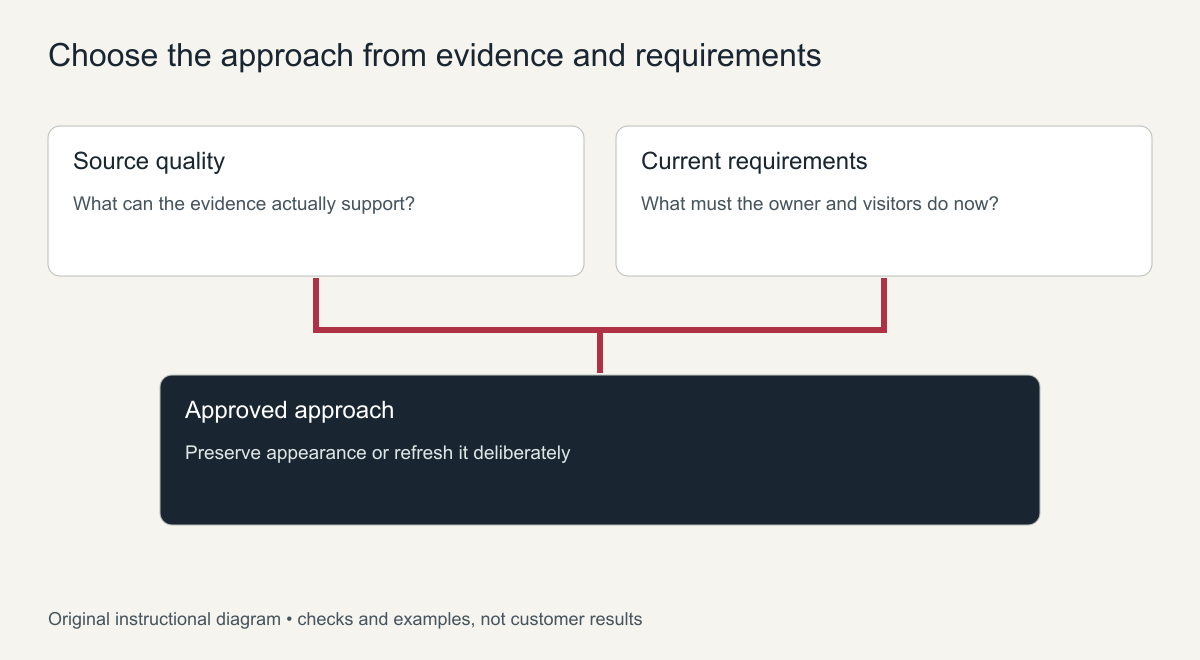
Original decision matrix. It does not imply that redesign repairs missing evidence.
Faithful reconstruction may still require new code or components. A redesigned site may still preserve meaningful historical URLs. Appearance, implementation and address continuity are separate dimensions; choosing one does not decide the others automatically.
Keep new writing and design identifiable
State whether wording comes from an accepted capture, an owner source or newly approved writing. Do the same for images and design decisions. An invented photograph or missing section must not be presented as original recovered material.
When mobile evidence is absent, describe the responsive arrangement as a new current decision. MDN's responsive-design guidance explains adaptation to different viewports; it does not reveal an old website's unknown behavior.
For a historically important presentation, record the known reference widths and source dates. For a current business site, document the approved departures that make it usable now. Neither purpose requires pretending that uncertain measurements were recovered exactly.
The content-preserving mobile rebuild guide gives a reproducible section example and a retention checklist for turning that new responsive decision into an implementation requirement.
Use approval milestones that expose the real trade-offs
Start with a scope brief containing the page inventory, approved sources, intended editing model, functions, useful paths and missing-item decisions. Review one representative page before implementing every page in the same pattern.
At the content milestone, approve recovered and new wording separately. At the visual milestone, review hierarchy and relevant widths. At the functional milestone, test the agreed outcomes rather than accepting appearance alone. Finally, reconcile the delivered pages, paths, assets and editing tasks against the original scope.
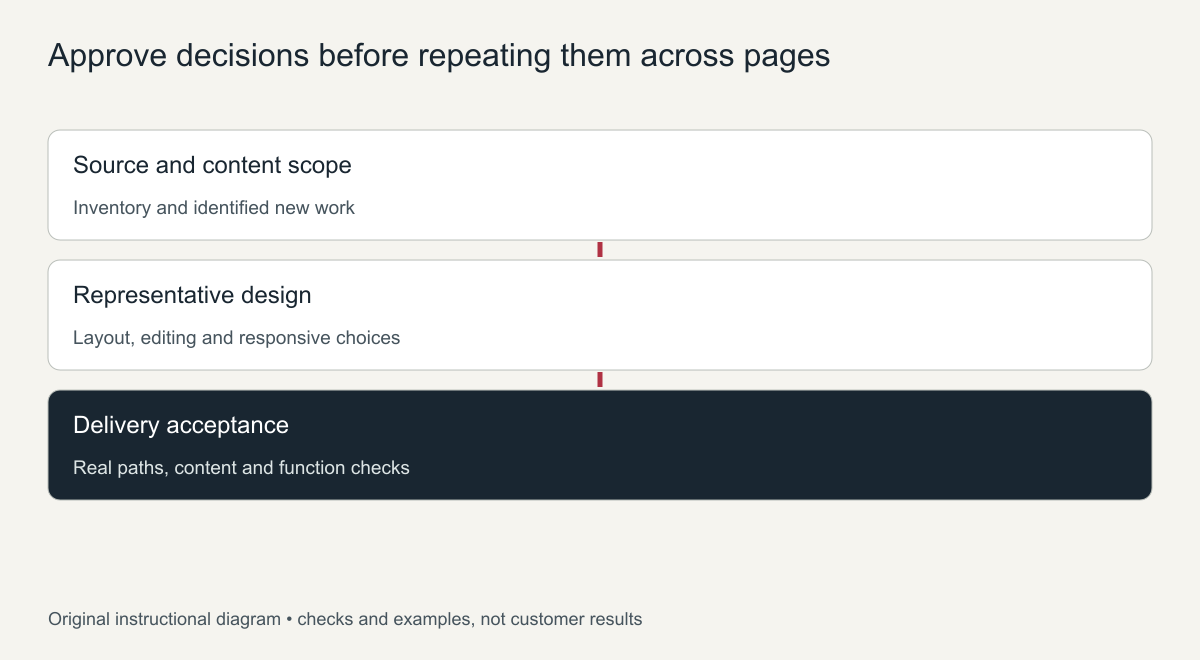
Original briefing guide. Proposed milestones are not fabricated project results.
The restoration quote-factor guide shows how source condition, layout variety, editing needs and new functions make two proposed scopes meaningfully different.
Specify URL continuity without promising SEO restoration
Retain important addresses when practical, and plan appropriate mappings where change is necessary. Google's site-move guidance describes URL mapping and migration checks. It is not a promise that an old site's visibility will return.
For website redesign and restoration, ask for a brief that states the preservation goals and approved changes together. A useful outcome is an evidenced, maintainable website that satisfies current requirements—not a claim that fresh styling automatically recovers missing pages or former rankings.
Restore or redesign an old website: a quick decision guide
| If this is true | Lean towards |
|---|---|
| The old site still ranked and brought enquiries | Restore, keep URLs and content |
| The design looks dated and hurts trust | Redesign, keep the content |
| The archive is complete and the content is still accurate | Restore |
| The business, services or prices have changed a lot | Redesign with new content |
| You need the site back quickly | Restore first, redesign later |
| Mobile use is poor and the layout cannot adapt | Redesign or a responsive rebuild |
A middle path: restore the content, refresh the design
Many owners do not have to choose one or the other. The text, images and URL structure can be restored from the archive and placed into a modern responsive theme. That keeps what search engines and customers already know while fixing the look and mobile experience.
Questions to ask before deciding
- Which pages brought most enquiries or sales in the past?
- Is the old content still accurate for what the business offers today?
- How important is it to be back online quickly?
- Will the site need regular updates by staff?
- Does the current design reflect how you want customers to see the business?
Answering these honestly usually makes the choice clear. If the old pages performed well and the content is still right, restoration keeps that value. If the business has moved on, a redesign built around the useful parts of the old content is the better long-term investment.
Whichever path you choose, keep the important URLs and save a copy of the archived pages for reference before any changes begin.
Frequently asked questions
Is it cheaper to restore or redesign an old website?
Restoring is usually quicker because the content and structure exist. A redesign adds design and writing time, but can be worth it when the old site no longer represents the business.
Will a redesign lose my old rankings?
Not if you keep the important URLs and content. Rankings suffer when pages disappear or move without redirects.
Can I restore first and redesign later?
Yes. Restoring first gets the site back online quickly, and a redesign can follow once traffic and enquiries are flowing again.