
Published by Wayback Downloader.
Recovering WooCommerce product pages without a store backup means reconstructing available public catalog content and supplying the current commercial data separately. Archived descriptions, categories and photographs can help rebuild product records. They do not establish today's inventory, variation availability, taxes, shipping rules or payment configuration, and they do not restore private orders.
If you want an editable site instead of raw files, see our turn the archived site into WordPress. You can also request a free check of what the archive saved first.
Begin with authorized backups, product exports and supplier records. If suitable original store data survives, inspect that source before treating public captures as the only option.

Inventory products rather than counting catalog links
Collect known product addresses, category listings, owner-held spreadsheets and suitable individual captures. For each product, record its original URL, observed source date, usable description, actual image files and unresolved fields. A category listing can identify a product without supplying its complete page.
Keep historical versions separate. A later photograph or description may represent a revised product rather than fill a harmless gap. Record the provenance of accepted supplements and obtain approval for changes to the historical material. The missing-image workflow helps distinguish usable files from thumbnails and new replacements.
Separate captured content from current selling decisions
An archived price is historical evidence, not authorization to charge that amount now. The same applies to a visible stock message, shipping claim or promotion. Ask the store owner which products are still offered and which commercial values are approved for the new store.
Use the following illustrative field map. It describes evidence requirements, not a recovered customer's catalog or a ready-to-import spreadsheet.
| Product field | Captured evidence | Owner-supplied decision | Unresolved handling |
|---|---|---|---|
| Name and description | Accepted individual product capture | Corrections or newly written details clearly identified | Keep an incomplete record out of public sale |
| Images | Actual usable files with source references | Permission and approved replacement if needed | Record the missing asset; do not call a generated lookalike recovered |
| Category | Evidenced historical grouping | Current catalog organization | Review rather than invent taxonomy |
| SKU and variation identifiers | Only values actually evidenced | Stable current product and variant records | Do not derive private identifiers from appearance |
| Price and stock | Historical visible values, if present | Current approved prices and actual availability | Do not silently reuse old selling values |
| Taxes, shipping and payments | Public statements may describe old policy | Current authorized configuration | Treat as a separate launch requirement |
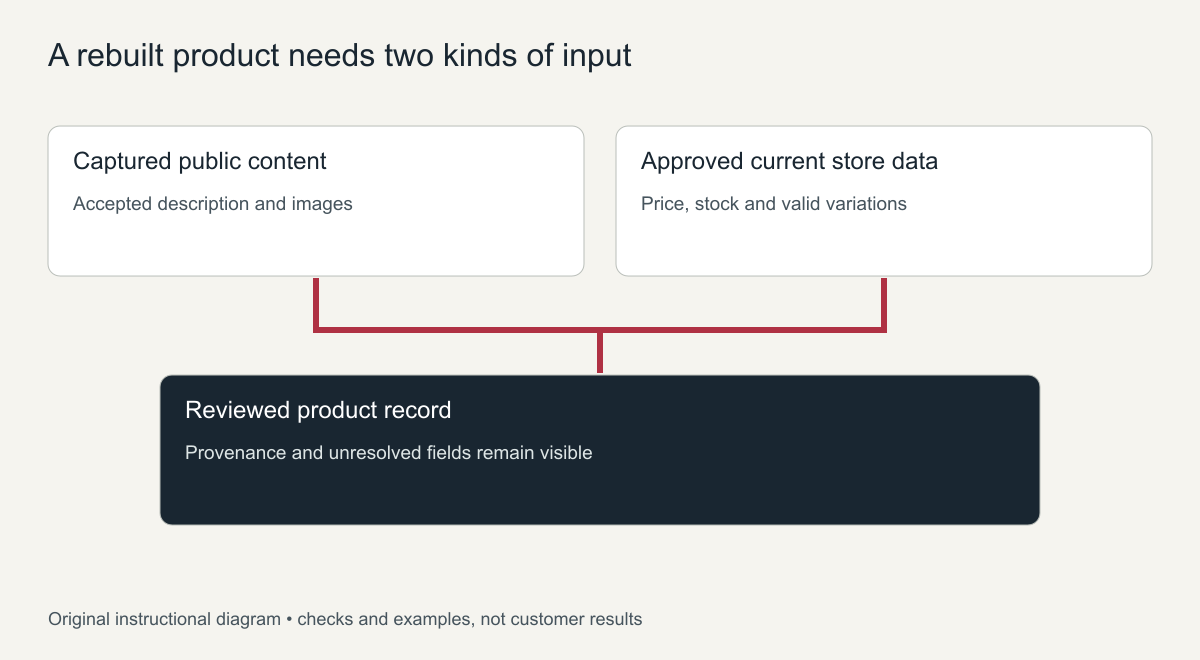
Original field-provenance diagram. No private store records or completed recovery results are shown.
Prepare a controlled product mapping
Choose whether to recreate records manually or use an appropriate import. Preserve an unchanged evidence collection and a source-to-destination manifest. Match existing products before creating new ones so a repeated import does not become a duplicate catalog.
WooCommerce's current CSV documentation supplies the supported product schema and version-dependent import behavior. Use the installed version's requirements rather than assuming archived markup is an import file. Test a small representative set on a private staging store and inspect actual field values, media and import reports before processing the rest.
The core CSV importer does not manage image alternative text. Include media accessibility review separately. A successfully created product record is also not evidence that every source field was accurate or every image was acquired.
Resolve variable-product gaps with supplied data
A captured selector may reveal that sizes or colors existed without revealing every valid combination, variation identifier, price or stock value. Do not create all theoretical combinations merely because several options are visible.
Ask for the current parent-to-variation map and approved attribute values. Keep spelling and identity consistent, then verify the actual reconstructed variation records. Where an option cannot be established, leave the product unavailable for sale or use another owner-approved non-selling presentation until the gap is resolved. Record this as a deliberate limitation, not completed variation recovery.
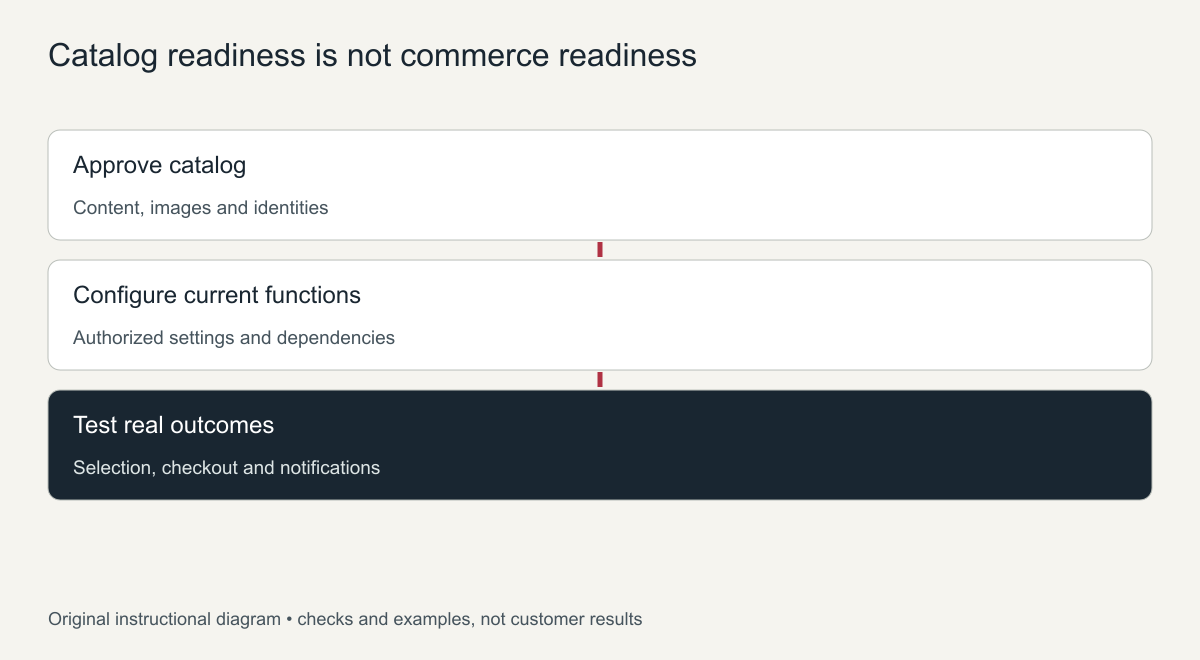
Original acceptance guide. The diagram specifies checks, not fabricated pass results.
Test the new store functions independently
Catalog reconstruction and current commerce setup need separate acceptance. Confirm the agreed product selection, cart behavior, shipping and tax outcomes, payment integration and notifications through authorized test arrangements. Do not run a real paid transaction solely to produce a demonstration.
Reconcile delivered records with the product inventory and document excluded items. Historical customer accounts and orders require suitable authorized data; adding products does not recreate them. A WooCommerce website recovery scope should identify the public catalog work, current inputs and functional tests separately so the owner knows what is actually ready to sell.
Recover WooCommerce product pages: what to rebuild first
When the store backup is gone, the archive is often the best record of what you sold. Rebuild in this order so the store becomes useful quickly:
- Best-selling and most-linked products, which bring traffic and sales.
- Category pages, so customers can browse again and old category URLs work.
- Remaining active products that you still sell today.
- Discontinued products only if they have links or search traffic; otherwise redirect them to the closest category.
Data you must re-enter by hand
Archived product pages show what customers saw, not what the store database held. Expect to enter or confirm these yourself:
- Current prices and sale prices, because archived prices may be years old
- Stock levels and SKUs
- Variations such as sizes and colours, with their own prices and stock
- Tax classes, shipping classes, weights and dimensions
- Customer reviews, which should only be restored if you can verify them
Rebuilding product content from snapshots
Work one product at a time. Copy the product name and description from the clearest capture, then rebuild the short description, specifications and any size or care information shown on the page. Save the main product image and gallery images if they were captured, and give them descriptive file names and alt text. Recreate the product with the same slug as the archived URL and assign it to the category it belonged to.
Before publishing, compare the new product page with the archived one side by side. Check that the description reads correctly, that variations are set up, and that the price and stock reflect your current offer, not the archived values.
Checking the store before it goes live
Place a test order with a test payment method, confirm the order email arrives, and check that tax and shipping are calculated correctly for your main markets. Then open several old product URLs to confirm each one shows the right product or redirects to the right category.
Keep a simple list of every product you rebuild with its old URL, new URL and status, so you always know what is finished and what remains.
Frequently asked questions
Can I recover WooCommerce product pages with their original URLs?
Yes, if the product slugs are recreated to match the archived addresses. Keeping the same URLs protects links and search history.
Can orders and customer accounts be recovered from the archive?
No. Orders, customers and payments live in the store database and were never public, so the archive does not hold them.
Is it safe to reuse archived product photos?
Yes if they are your own photos. Images supplied by manufacturers may have their own usage terms, so check before reusing them.