
Published by Wayback Downloader.
Plan multiple website restorations with a separate source inventory and scope for each domain, then use a representative pilot to confirm the intended delivery and acceptance process. Different websites can require different formats and have different archive gaps. Adding several websites to an order does not by itself establish a bulk discount, agency agreement or guaranteed throughput.
Not sure what survived? Start with a free archive review before you download anything. Or see the prices for each format.
The purpose is a controllable batch of distinct projects—not treating a list of domains as equally complete or quoting unsupported capacity claims.

Build a per-domain ownership and source inventory
Record who can authorize each reconstruction, which material can be used and who controls its intended destination. Keep domains, accepted source periods, available owner files and known archive references separate. Avoid mixing similarly named organizations or unrelated versions.
Use the snapshot-selection scorecard for each site. An acceptable capture for one domain says nothing about another domain's pages or media. Check essential page types before assigning a fixed scope to the entire list.
Use a batch intake table
This is a blank planning worksheet. It contains no invented sites, archive findings or completion counts.
| Field per website | What to supply or record |
|---|---|
| Original domain | Full address and relevant hostname variants |
| Authorization | Owner or authorized project decision-maker |
| Preferred snapshot | Optional capture reference or desired date range |
| Target format | Static files, WordPress, native Elementor or another agreed output |
| Priority | Essential launch, later batch or dependency on supplied inputs |
| Page scope | Required page list, critical downloads and representative layouts |
| Gap notes | Missing bodies, images, styles, private data or unresolved decisions |
| Destination | Authorized hosting/domain arrangement and deployment responsibility |
| Acceptance | Actual content, path, editing and functional checks required |
| Status and owner | Current stage, responsible person and next action |
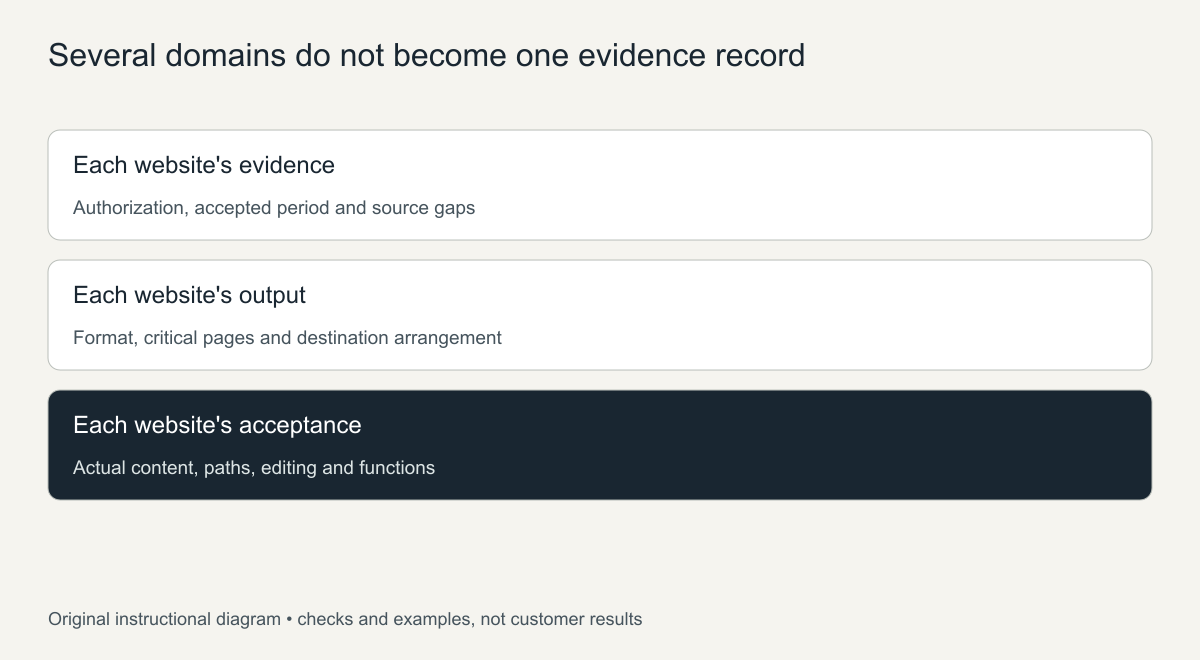
Original batch structure. No capacity or successful-project count is implied.
Choose a useful pilot rather than the easiest-looking homepage
Select a representative website or page set that exercises the likely batch risks: nested content, media, distinct layouts, required editing tasks and current functions. Define the pilot's acceptance before implementation so it can inform subsequent estimates and scope decisions.
A pilot is not proof that every other domain can use the same settings or template. Compare its source condition with the remaining websites and identify exceptions. Do not silently expand one accepted page into approval for every platform and function in the batch.
Track exceptions at website level
Use separate records for source review, content preparation, implementation, publication and verified delivery. Record actual destination IDs and addresses. A failed or uncertain operation should be reconciled against its remote result before repeating it, so batch automation does not create duplicate content or media.
Assign unresolved inputs to a responsible person: permitted media, variant data, missing copy, destination access or acceptance decisions. Keep one site's hold from being described as completion of the entire batch, and avoid overwriting current content while investigating older sources.
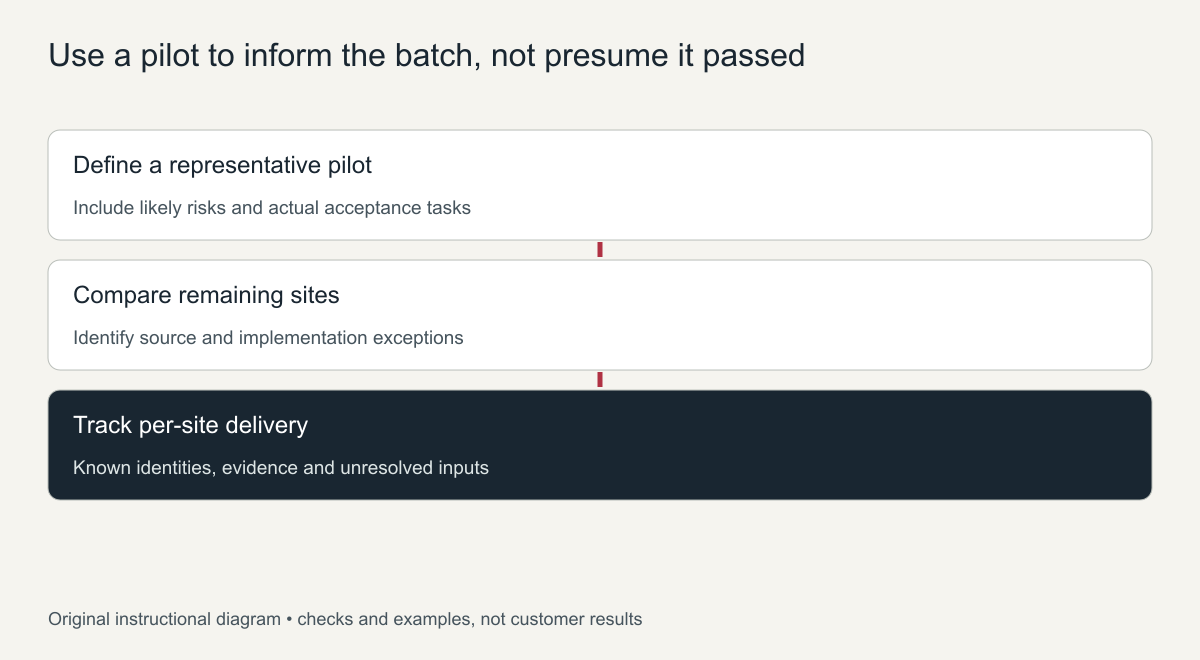
Original controlled-batch sequence, not an agency SLA or throughput demonstration.
Choose per-site ordering or an agreed batch quote
The current pricing page notes that several domains or complex coverage may need an individual quote. Provide the domain list, desired formats and actual page scopes through the project enquiry route. Request written terms for the work you need rather than assuming a discount, white-label arrangement or response commitment exists.
Standard website entries can still have different service choices. Keep each domain's selection and scope identifiable. A shared billing arrangement does not merge its content, authorization or acceptance requirements with another website's.
The quote-driver guide explains why equal page counts can represent different work. Use the pilot findings and remaining exception list to agree a realistic sequence and delivery scope. Batch planning is successful when every website has a clear next action and verifiable acceptance—not when a large unverified capacity number appears in the proposal.
How to plan bulk website restoration in five steps
- List every domain with its owner. For each site record who controls the domain, who can approve the work, and whether any backups or exports exist. A batch stalls fastest when one site turns out to belong to someone else.
- Score each site before you quote. Note the number of real pages in the archive, the last good capture date, and the platform you will rebuild on. Sites with thin captures or heavy scripts need more time than their page count suggests.
- Run a pilot on a representative site. Choose a site that has the typical problems of the batch, not the cleanest one. The pilot shows how long a normal page really takes.
- Group sites into waves. Put similar sites together, such as all brochure sites or all blogs, so the same checks and fixes can be reused across a wave.
- Hand over in a fixed format. Use the same delivery checklist, file naming and access notes for every site, so the receiving team can accept each one quickly.
Common mistakes in bulk restoration projects
- Quoting on page counts alone. A 10-page site with missing images can take longer than a clean 40-page site.
- Skipping ownership checks. Every domain in a batch needs its own authorization, even when one client sends the list.
- Mixing snapshot dates without a rule. Decide per site which period you are restoring, or pages from different versions end up side by side.
- No exception log. When a site cannot be restored fully, record why and what was agreed, so the batch can still close.
- Launching everything on the same day. Stagger launches so problems found on the first sites can be fixed before the rest go live.
A simple tracking sheet for a batch
One shared sheet keeps a bulk project honest. Give every site its own row and record the domain, the chosen snapshot period, the target platform, the current stage (review, rebuild, client check, launched), any exceptions agreed with the client, and the date of the last update. Sort the sheet by stage at the start of each week so you can see at a glance which sites are blocked and why.
Keep notes short and factual: what is missing, what was replaced and who approved it. When the batch closes, this sheet becomes the record of what was delivered for each domain, which is useful if a client asks months later why a page looks different from the archive. It also shows which kinds of sites took longest, so the next batch can be planned and scoped more accurately.
Frequently asked questions
How many sites can be restored in one batch?
There is no fixed limit. What matters is how many sites can be reviewed and accepted per week. Plan bulk website restoration around that acceptance pace rather than around how fast pages can be downloaded.
Should every site in a batch use the same platform?
Only if it suits each site. Small static sites are often best as clean HTML, while sites that need regular updates belong in WordPress. Grouping by platform still saves time.
What if some domains in the batch were never archived?
Mark them early as not recoverable from the archive and check other sources such as old backups, exports or cached copies. Do not let them hold up the rest of the batch.