
Published by Wayback Downloader.
Start a restoration enquiry with the original domain, the version you want back and the pages that matter most. Add your desired output, surviving source files and deployment requirements if known. You do not need to find every archived page before asking for review, and you should not include passwords, card information or private customer records in an initial enquiry or public comment.
Not sure what survived? Start with a free Wayback archive check before you download anything. Or Wayback downloader pricing for each format.
A useful brief reduces uncertainty without asking the customer to perform the entire recovery investigation. Unknown details can stay marked as unknown until the source review establishes them.

Identify the original website and preferred period
Provide the complete original address and relevant hostname variants. If you have a preferred capture, include its full reference and explain why that version matters. Otherwise, give an approximate last-working period and recognizable business identity.
Do not assume the newest capture is the right version. The snapshot-selection guide explains comparing evidence of business identity, content and usable assets. A homepage capture alone is not proof that every required page survives.
Name essential pages and the desired deliverable
List must-have service pages, articles, products and downloads separately from optional material. Include original URLs where known. Describe the owner's intended editing tasks: receiving static files, changing WordPress content or rearranging native visual sections are different requirements.
If you do not know the appropriate platform, state the maintenance task instead of guessing a package. Explain whether the old appearance should remain faithful or whether an approved new presentation is wanted. Mention any historical paths that must continue to work.
Describe surviving files and missing functions without sending secrets
List the artifacts you control: backups, exports, downloaded HTML, original photographs, documents or builder templates. State their approximate dates and scope. Preserve originals and arrange transfer later through an agreed suitable channel when actual inspection is needed.
Describe required forms, booking, store or other functions in plain language. A captured interface does not supply private notification recipients, historic customer records or current payment configuration. State the requirement; do not place credentials or private records in a public project description.
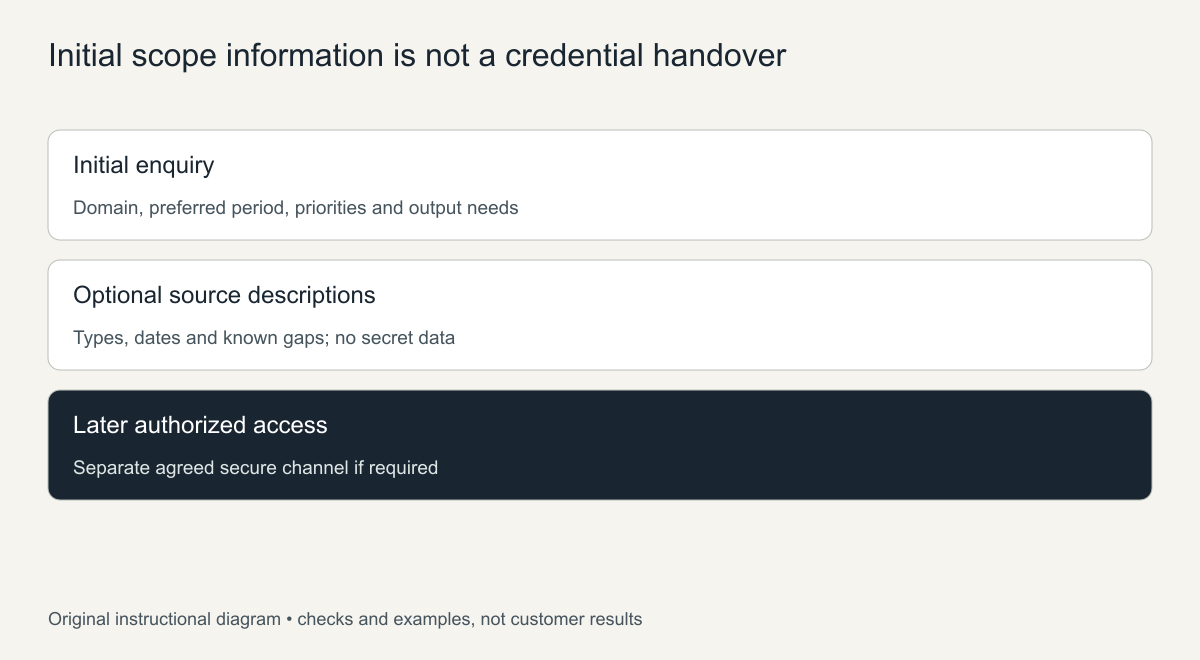
Original information-boundary diagram. It is not a request for credentials.
Copyable customer brief
Copy the following text and complete what you know. Optional items may be omitted or marked unknown. Do not paste passwords, access tokens, card details, private customer information or payment records into it.
Original website/domain:
Preferred version or approximate date range:
Optional preferred archive reference:

Essential pages or downloads:
Optional pages:
Useful historical URLs that should remain:

Desired output, or how we need to edit the website:
Old appearance to preserve, or approved design changes:
Current functions that must work:

Surviving source types and approximate dates:
Known missing material or source uncertainties:

Destination hosting/domain requirements, if known:
Who handles deployment and current configuration:
Optional deadline and what makes it important:

Authorized project contact and decision-maker:
Questions we need the source review to answer:

No passwords, tokens, payment details or private customer records.
Sensitive access will be arranged separately if required.
This is a reusable project brief, not an extra embedded order form. It does not commit the provider to every listed requirement; the accepted scope follows the actual source review and written agreement.
State hosting and URL responsibilities early
Tell the specialist whether the restored site will use the same domain or a new destination and whether authorized old-host control exists. State who will arrange hosting, HTTPS, deployment and any necessary redirects. Naming an old domain does not establish control over the system answering it.
If expired hosting caused the loss, the hosting-expiry guide helps separate provider backups, domain control and public reconstruction. Do not change DNS or replace a current site merely to prepare an initial enquiry.
Use the review to complete unknown scope details
The archive-review page describes checking required pages, relevant versions and visible gaps before choosing a format. A domain-only starting enquiry is possible, but a short priority list makes that review more useful. Identify what would make the project worthwhile if complete recovery is unavailable.
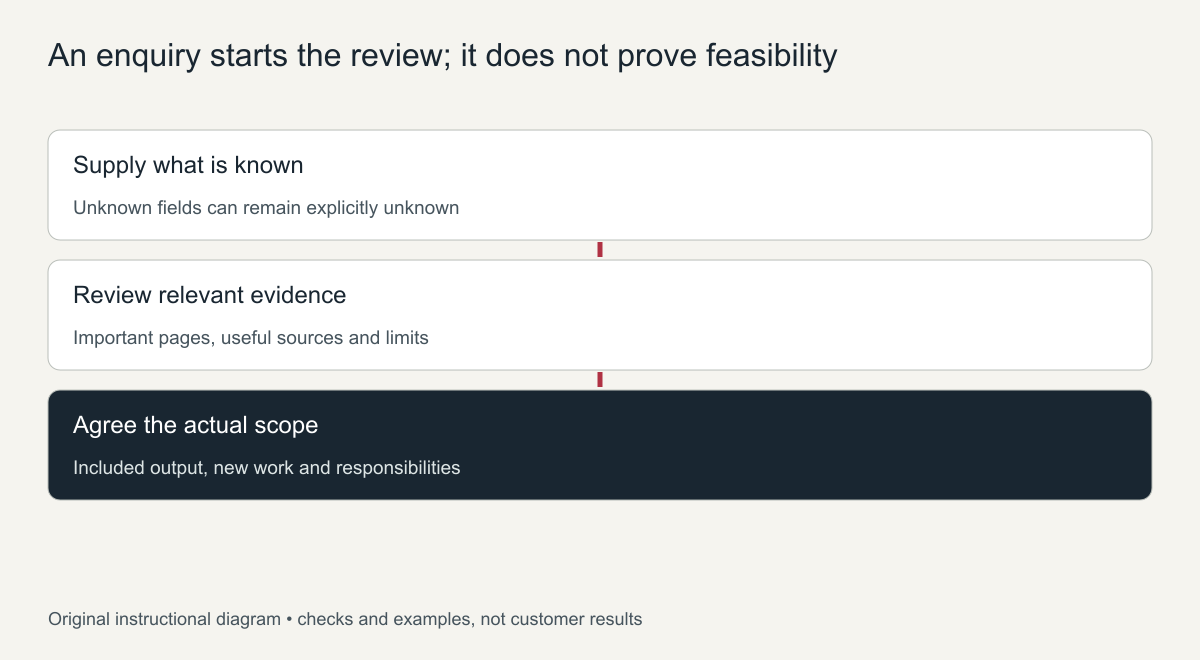
Original enquiry-to-scope sequence, not a completed feasibility result.
Use the restoration cost-factor guide when comparing the resulting quote. Confirm included pages, new functions, missing-item decisions, editing capability and handover responsibility. Share sensitive access only later through an agreed secure method with the appropriate authorized recipient—not in article comments or the initial enquiry fields.
A website restoration project brief template
Copy these fields into an email or form. A complete website restoration project brief lets a specialist give an accurate quote in one reply instead of several rounds of questions.
- Domain: the website address and whether you control it now.
- Period: the month or year when the site looked the way you want it back.
- Must-have pages: the pages that matter most, such as home, services, key articles or products.
- Nice-to-have pages: pages you would like if the archive has them.
- Deliverable: clean HTML files, a WordPress site, or something else.
- Functions: forms, booking, shop, search or member areas the site needs to work again.
- What you still have: old backups, exports, logos, text documents or images.
- Hosting: whether you have hosting already and who will upload the site.
- Deadline: any date the site must be live, and why.
Mistakes that make quotes inaccurate
- Sending only the domain without saying which period or pages matter.
- Forgetting functions such as forms or a shop, which change the scope a lot.
- Not mentioning files you still have, which can save hours of reconstruction.
- Leaving hosting unclear, so nobody knows who handles launch and SSL.
Example of a completed brief
Here is how a short brief might read: “Domain: an old bakery website that we still own. Period: early 2019, before the redesign. Must-have pages: home, menu, about, contact and the three most visited recipe posts. Nice-to-have: the remaining blog posts. Deliverable: WordPress, so staff can update the menu. Functions: a working contact form. We still have the logo and some product photos. Hosting is already set up. We would like the site live before a local food fair next month.”
A brief like this answers almost every question a specialist would ask, so the reply can focus on approach and timing instead of more questions.
If you are unsure about any field, say so in the brief rather than guessing. An honest “not sure” lets the specialist check the archive and suggest options, which is better than a confident detail that turns out to be wrong and changes the scope later.
Frequently asked questions
What is the most important part of a website restoration project brief?
The period and the must-have pages. Together they tell the specialist which snapshots to review and what a finished job looks like.
Should I send login details in the brief?
No. Share access only after you agree on the work, and use separate accounts or temporary access instead of your main passwords.
What if I do not know the exact date the site looked right?
Give a rough year and describe the version you remember. The archive calendar can then be checked to find the closest complete capture.