
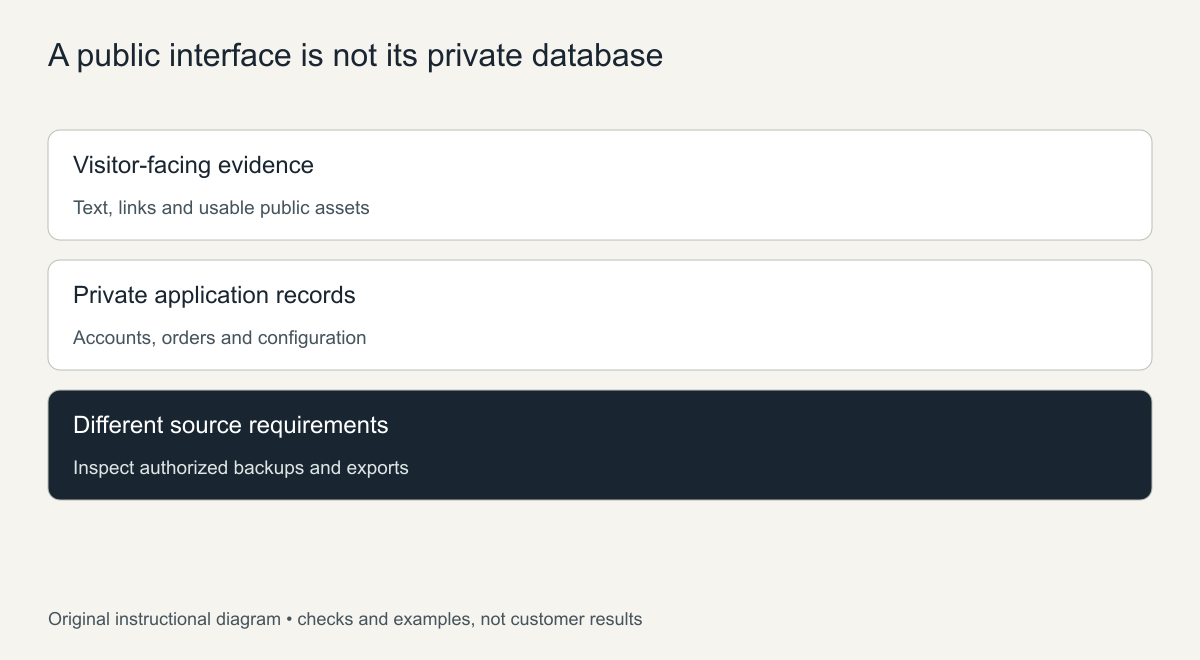
There is no Wayback Machine database copy of your website. A normal capture saves the public responses a visitor would have seen, such as HTML pages, images, stylesheets and some files. It does not contain the website database behind them: no customer records, account passwords, unpublished drafts or order history. Recover those from authorized backups or exports instead. What the archive can do is give you the public content to rebuild a site around a fresh database. This guide explains exactly where that line falls, how to check what was captured, and where to look for the private data.
Not sure what survived? Start with a free archive review before you download anything. Or see the prices for each format.
A public capture can still support a useful reconstruction. The important boundary is between rebuilding visitor-facing information and recovering the original application’s private records.

Why there is no Wayback Machine database of your site
The Wayback Machine works like a visitor with a very good memory. Its crawler requests public URLs, stores the responses, and replays them later. It never logs in to your admin area, never connects to MySQL or another database server, and never sees the PHP or other server code that turned database rows into pages. The only “database” the archive keeps is its own index of captures: which URL was fetched, when, with what status code and file type.
The Internet Archive’s Wayback guidance describes access to archived web material and its limits. A saved page can contain visible text, links and the resources that loaded. It does not prove that the application files or database were collected.
What a captured response can establish
A login screen shows an interface, not the accounts that could log in. A checkout page can show fields and instructions without the orders submitted through it. A product page can show the price and description that were public on the capture date, but not stock levels, supplier costs or sales. If records were ever exposed publicly, for example a downloadable export left in a public folder, that is a separate case: check the actual file, your authorization and the privacy implications rather than treating every capture as a private backup.
Use a field-level recovery matrix
The matrix classifies where each kind of item usually has to come from. It is not evidence that any specific item survives for your site.
| Item | Public capture may contribute | Source needed for the original private record |
|---|---|---|
| Service or product description | Captured visitor-facing wording | An application backup or export for the original record |
| Public photograph | The captured image, if usable | Owner originals or a media backup where absent |
| Customer account | At most a visible interface or publicly shown information | Account data in a compatible backup or export |
| Historical order | Possibly public explanatory text, not an order history | Order records with their actual fields and relationships |
| Credentials and permissions | A login page is not evidence of them | Current, legitimate account recovery procedures |
| Private draft or configuration | Generally not present in visitor pages | Files, database or a structured export |
| Payment-provider transaction | A separate financial record, if the owner can access it | Provider export plus other sources to reconcile store history |
How to check what the archive did capture
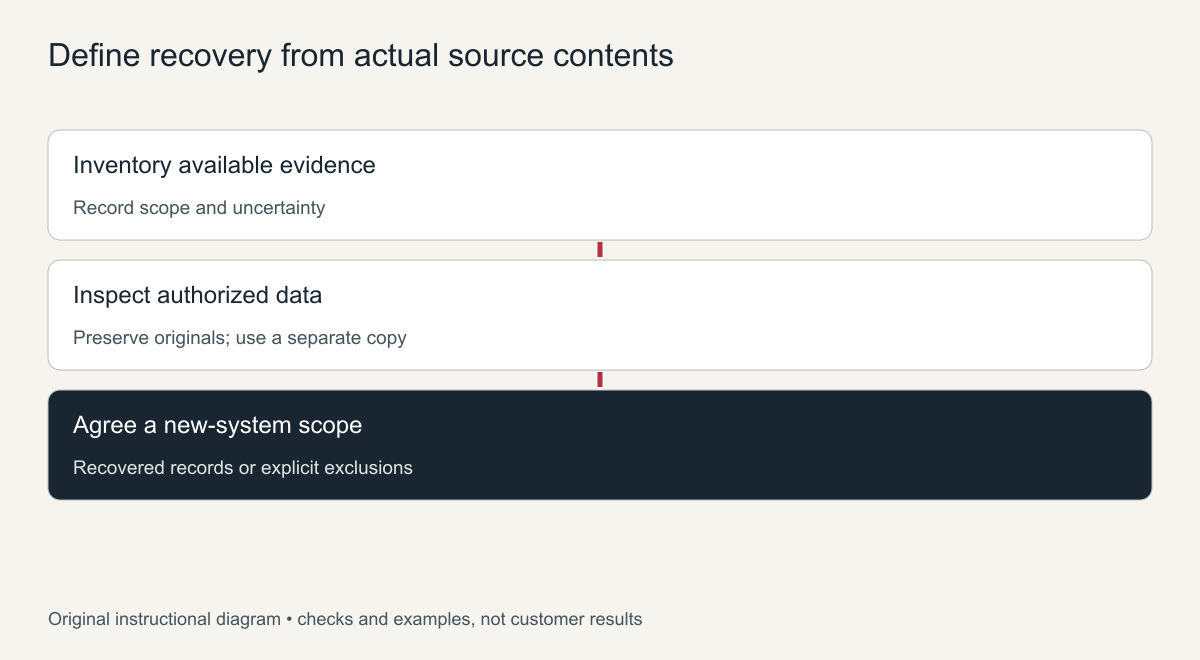
Before planning anything, find out which public pages exist in the archive:
- Open the domain on web.archive.org and use the calendar to view captures from the period you need.
- Use the URL list (“Collection” or the site map view) to see how many distinct pages were saved.
- For a full list with dates and file types, query the CDX index; the Wayback Machine API guide has ready-made requests, including filters for HTML pages and PDFs.
- Open a sample of product, blog and category pages to see whether their text and images loaded.
The result tells you what can be rebuilt from public evidence. Everything else has to come from the sources below.
Look for legitimate backup and export sources
Contact the former host, previous administrators and any backup service the site used. Ask which artifacts exist, what period they cover and what is actually inside. Keep the originals untouched and inspect a copy.
The WordPress backup handbook separates database data from website files. A content export, a page-builder export and a full server backup can cover very different things. A file named “backup” is not proof that the records you need are in it, or that they are compatible.
- Hosting control panel backups often include a database dump even when file backups were not configured.
- Plugin backups may sit in cloud storage accounts that are still active.
- Email and accounting systems often hold order confirmations and invoices that help reconcile history.
- Old developer machines sometimes keep a local copy of the database from a past update.
For a deleted site, the recovery-source guide helps organize owner files, backups and public evidence. Do not overwrite a newer installation while testing an older source, and never obtain credentials or personal records from an unauthorized party.
If the useful surviving material is the public catalog, the product-page recovery guide maps captured fields to a new store and keeps new commerce separate from historical transactions.
Payment records are useful but not a replacement database
An authorized export from your payment provider may help reconcile certain payments. It is not a complete store backup. Products, variations, delivery details, account permissions and order-status history usually need other records, and the available fields depend on the provider and the export.
Compare records through a documented, permissioned process. Leave unknown fields unknown; do not manufacture completed orders or customer accounts from a partial transaction list. Where accounting or privacy obligations are involved, bring in the owner’s professional advisers.
Decide what a fresh reconstruction can deliver
A new website can publish recovered public content on top of a new, empty database and newly configured features, without pretending the old database came back. Specify the content structures, the users who need access, the current configuration and what is deliberately left out. The WordPress reconstruction guide explains this at the website level.
Why there is no Wayback Machine database copy
The Wayback Machine works like a visitor with a camera. Its crawler requests public web addresses and saves the responses it receives: HTML, images, stylesheets and some files. A website’s database sits behind the server and is never sent to visitors, so the crawler never sees it. There is no hidden Wayback Machine database export to request.
What the archive can show is the output of the database at the moment of capture. A captured blog page shows the post text that the database produced; a captured product page shows the name and price that were displayed. That makes archived pages useful evidence for rebuilding public content, but not a replacement for the data itself.
Where your data might still exist
- Backups made by your host, sometimes kept for a period after an account closes
- Backup plugins that stored copies in cloud storage such as Dropbox or Google Drive
- Payment providers, which keep transaction records for their own accounts
- Email notifications for orders, form submissions and new accounts
- CRM, newsletter and accounting tools that synced customer data
- Old exports or local copies on staff computers
Rebuilding a database-driven site from captured pages
If the site ran on WordPress or another database-backed system, the rebuild starts with a fresh installation. Each captured post or page is then entered again as new content: the title, text, images, date and category taken from the archived page. Menus, widgets and settings are recreated by hand to match what the captures show. The result is a working site with a new database, filled with the public content the archive kept.
This is slower than restoring a backup, but it is often the only option when no backup exists. Starting with the pages that matter most keeps the work focused while the rest is added over time.
Keep notes on what was rebuilt from captures and what came from other sources. That record helps when you later find an old backup or export and want to compare the two.
Frequently asked questions
Can the Wayback Machine database records be requested from the Internet Archive?
No. The Internet Archive does not hold your database, so there is nothing to request. It only has the public pages its crawler captured.
Can archived pages rebuild a blog that ran on a database?
Yes for public posts that were captured. The text and images can be rebuilt as new posts, but comments, drafts and private content cannot.
What should I check first if I lost my database?
Ask your host about backups immediately, because retention windows can be short, and check any backup plugin or cloud storage you used.
Frequently asked questions
Does the Wayback Machine store website databases?
No. It stores public responses that its crawler fetched. Databases, server code and logged-in areas are not captured.
Can I get my customer list back from the archive?
Not from normal captures. Customer lists live in the site database, email marketing tools or payment provider exports. Check those sources instead.
Can the archive show what my product pages said on a certain date?
Often, yes. If a product page was captured, the replay shows the public description, images and displayed price from that capture date. Treat it as a record of what visitors saw, not as your catalog data.
Can I rebuild a WordPress site from archived pages?
Yes, the public content can be imported into a new WordPress install with a fresh database. Users, orders and settings have to be recreated or imported from other sources.
When the public pages are what survived, our archive.org to WordPress service rebuilds them as editable WordPress content on a fresh database, and says clearly which private records you would need to supply from your own backups.