
Published by Wayback Downloader.
Rebuild an archived website for mobile by inventorying its useful content and functions first, then adapting their arrangement for smaller viewports. Reflow text and images, make navigation and controls usable, and keep important direct URLs. If only desktop evidence survives, label the mobile design as a new implementation rather than recovered historical behavior.
If you want an editable site instead of raw files, see our Wayback-to-WordPress rebuild. You can also request a free archive review first.
Mobile reconstruction does not require removing substantive content or using a particular builder. It requires a layout and implementation that preserve meaning and work at relevant widths.

Inventory what must survive the visual change
List each section's heading, explanation, images, captions, downloads, table relationships and action destinations. Record the accepted sources and any unresolved content. Include navigation and functions: a visible contact button is not proof that its form or notification delivery works.
Decide whether each item is retained, updated with approval or omitted for a documented reason. The restore-or-redesign decision guide helps separate preserving useful material from reproducing every historical visual choice.
Find layout constraints before applying fixes
Inspect fixed content widths, large image dimensions, long unbroken strings, side-by-side sections and menus that cannot fit a narrow screen. Identify the actual source of overflow rather than hiding it globally and clipping useful content.
Adapt the section containing the problem. Text can wrap within a flexible width; adjacent content can stack; images can scale without distortion. A genuine data table may need accessible local scrolling while the rest of the page stays within the viewport. Preserve row and column meaning rather than turning a table into disconnected fragments.
W3C's reflow explanation distinguishes content that should adapt from content requiring a two-dimensional layout. It supports checking loss of information and function, not simply measuring a pleasing screenshot.
A reproducible section that keeps all its content
This synthetic example is newly authored for the guide, not a customer website or a recovered historical breakpoint. It uses the same heading, explanation and link at both widths. Wide screens show two columns; a narrow screen places the action after its explanation.
<section class="recovered-section">
  <div>
    <h2>Read the restoration scope</h2>
    <p>Keep the source inventory and missing-item decisions available.</p>
  </div>
  <a href="/scope/">Open the scope</a>
</section>
.recovered-section {
  display: grid;
  grid-template-columns: minmax(0, 1fr) auto;
  gap: 1.5rem;
  align-items: start;
}
.recovered-section > * { min-width: 0; }
.recovered-section a { overflow-wrap: anywhere; }
@media (max-width: 40rem) {
  .recovered-section { grid-template-columns: 1fr; }
}
Create an authorized test page containing this section, then compare it at a wide width, below 40rem and around the transition. Confirm the wording, link destination and reading order remain intact. The example's /scope/ link requires a real destination in your test arrangement; it is illustrative, not a claim that every website has that path. The exercise specifies a reproducible check, not a fabricated pass result.
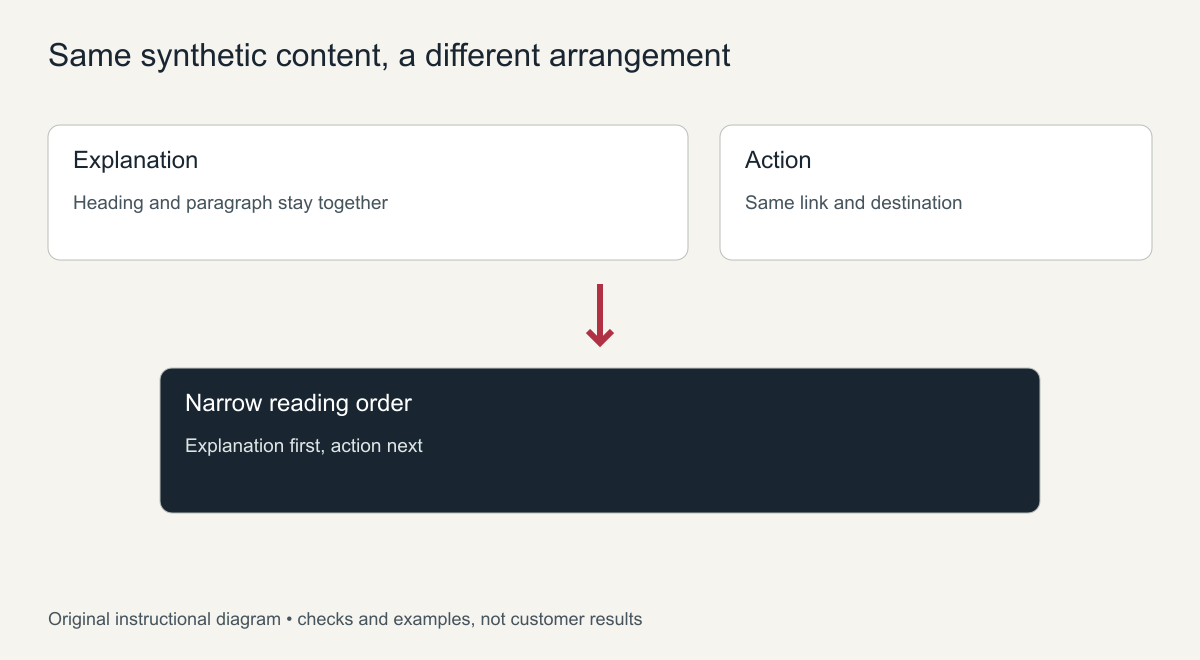
Original wide-to-narrow structure diagram of this synthetic example, not screenshots of an archived website.
MDN's responsive-design guidance provides the broader responsive principles. Choose breakpoints for actual content behavior instead of assuming one conventional phone size covers every problem.
Treat desktop-only evidence honestly
A desktop capture may show wording and arrangement without establishing original mobile rules. Seek suitable additional evidence, then obtain approval for the remaining current choices. Preserve a record of observed, supplied and newly chosen behavior.
The missing-CSS reconstruction guide separates acquired styles from new implementation. For native Elementor reconstruction, specify which real controls manage the responsive arrangement and disclose code-managed exceptions.
Use a content-retention checklist, not a screenshot alone
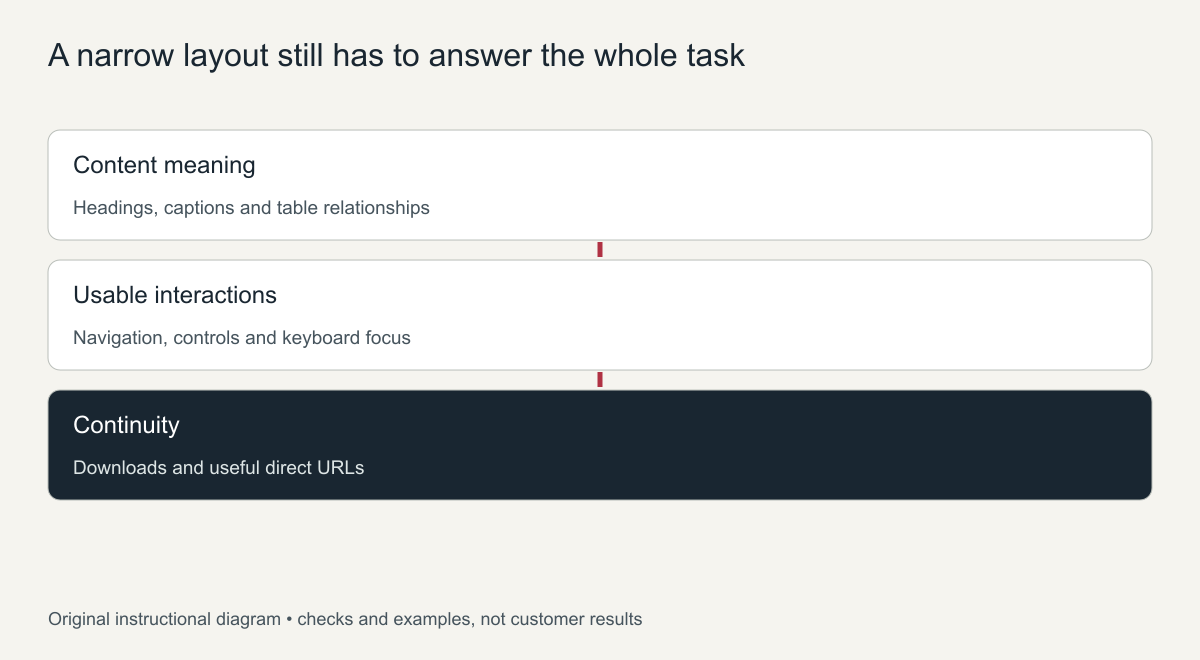
Original review checklist. It lists checks to perform rather than successful customer results.
Compare the delivered narrow layout with the approved inventory. Are headings and explanations still present? Are captions connected to the right images? Can table relationships and downloads still be accessed? Are actions available in a sensible reading order, and do their actual destinations work?
Check keyboard navigation, visible focus, zoomed text and intermediate widths. Verify useful historical paths separately; a responsive stylesheet does not preserve or redirect addresses. Test real form and navigation outcomes under the agreed scope rather than accepting a builder preview as proof.
For a redesigned restoration, the handover should identify retained content, approved changes and actual mobile checks. The goal is present-day usability with truthful provenance, not an invented history of how the old site behaved on a phone.
Making an archived website for mobile work: practical fixes
Most old sites were built for desktop screens with fixed widths. These changes cover the majority of problems when you rebuild an archived website for mobile, without changing its content:
- Add a responsive viewport setting in the page head so phones do not shrink the whole desktop layout.
- Replace fixed widths with fluid ones. Containers set to a pixel width become percentages or a maximum width, so they fit any screen.
- Make images scale. Limit images to the width of their container so they never overflow the screen.
- Handle wide tables. Let tables scroll sideways inside their own box instead of stretching the page.
- Turn long menus into a toggle. A horizontal menu with many items needs a mobile menu button.
- Raise font sizes and tap targets. Body text and buttons sized for a mouse are too small for a finger.
- Stack sidebars below the content instead of squeezing them next to it.
How to test the mobile rebuild
Browser developer tools show common screen sizes, but they do not replace a real phone. Check every page type on at least one small and one large phone: scroll the full page, open the menu, tap every button and link, and fill in each form. Compare the text on mobile with the archived desktop page to confirm that nothing was hidden or lost in the new layout.
Performance on phones
Mobile visitors often use slower connections, so a rebuilt archive page should be light as well as responsive. Compress large images and serve them at the size they are displayed, remove old scripts that no longer do anything, and avoid loading fonts or libraries the page does not use. Lazy loading for images further down the page helps the first screen appear quickly. After the changes, test the main pages with PageSpeed Insights and fix the largest issues it reports first, such as oversized images or render-blocking scripts.
Finally, check readability on a small screen. Line length, contrast between text and background, and spacing between paragraphs all affect how comfortable a long page is to read on a phone. Old designs often used light grey text or tiny captions that were acceptable on a large monitor but hard to read outdoors on a phone, so adjust these while keeping the overall look of the original site.
Frequently asked questions
Can an archived website for mobile keep its original design?
It can keep its colours, fonts, images and structure. The layout has to adapt to smaller screens, so columns stack and menus collapse, but the look stays recognisable.
Is it better to rebuild in a mobile-friendly theme?
For sites that will keep growing, yes. A modern responsive theme or page builder makes future edits easier than patching old fixed-width code.
Will hidden content on mobile hurt SEO?
Google indexes the mobile version of pages, so important text should be visible on mobile too. Avoid removing content just to make the layout shorter.