
To restore an archived website on a new domain, you need four things in order: permission to republish the material, a map from the old page addresses to the new ones, files or a CMS whose links point at the new host, and a tested launch. Redirects from the old domain are only possible if you can control the system that serves it. A working copy on the new domain is a fresh start, not proof that old search visibility will return. This guide walks through each step, the checks that catch the usual mistakes, and what you can and cannot do when the old domain belongs to someone else.
If you want an editable site instead of raw files, see our Wayback-to-WordPress rebuild. You can also request a free check of what the archive saved first.
This guide concerns the domain-change decision. The hosting and deployment guide covers the separate work of preparing and launching the actual files or CMS.

When it makes sense to restore an archived website on a new domain
People usually move an archived site to a new address for one of three reasons: the old domain expired and was bought by someone else, the owner wants a new brand but keeps the old content, or the old domain is still owned but the content is being republished somewhere cleaner. Each case changes what is possible:
- Old domain lost to another owner: you can republish your own content on the new domain, but you cannot redirect old links. Old backlinks will keep pointing at the other owner’s site.
- Old domain still yours: you can redirect every old page to its new equivalent, which is the best outcome for visitors and search engines.
- Old domain parked or unused: renewing or recovering it first is often worth more than any redirect plan, so check its status before you begin.
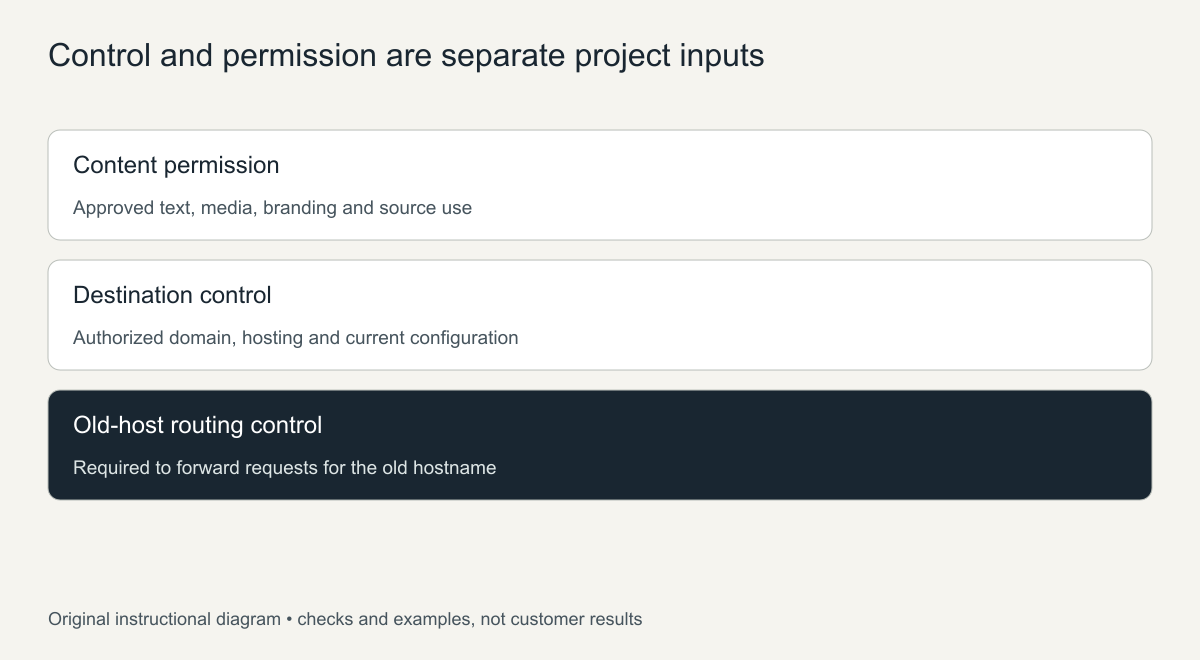
Confirm control and content permission separately
Record who controls the destination domain, who can authorize the project and which text, photographs, branding and files may be republished. Buying a domain is not the same as owning the content that once appeared on it, and public availability in the archive is not permission to republish.
The U.S. Copyright Office’s general explanation describes protection for original creative works; it does not decide ownership of your particular archived site. Requirements depend on the material and the jurisdiction. Keep permission records, or get qualified advice where the position is unclear. This is a planning safeguard, not a legal guarantee.
Choose paths deliberately on the destination domain
Useful historical paths can often stay the same even when the hostname changes. Compare the page inventory with what the new host or CMS can serve before changing every slug or file extension. Keep the reader’s task in mind, not only the look of the address.
The mapping below is a hypothetical example, not a customer project.
| Historical address | New address example | Decision |
|---|---|---|
https://old.example.com/about.html |
https://new.example.com/about.html |
Keep the meaningful path where supported |
https://old.example.com/services/design.html |
https://new.example.com/services/design/ |
Approved path change with equivalent content |
https://old.example.com/files/manual.pdf |
https://new.example.com/files/manual.pdf |
Keep the real document at the same path |
https://old.example.com/obsolete-offer.html |
No new page | Record an intentional omission; do not invent an equivalent |
To build the list of old addresses in the first place, the Wayback Machine API guide shows how to pull every captured URL for a domain from the CDX index.
Update the references that should now use the new host
Downloaded archive files are full of the old address. Review navigation, in-text links, image and stylesheet references, downloads and canonical tags against your map, and switch them to the new host where appropriate. Leaving old-domain or web.archive.org references in place creates hidden dependencies that break later.
- Search every HTML and CSS file for the old hostname, with and without
wwwand with bothhttpandhttps. - Prefer root-relative links (
/about/) for internal pages so the site works on any host. - Update absolute references in
sitemap.xml,robots.txt, Open Graph tags and structured data. - In WordPress, set the site address in Settings first, then replace stored old URLs with a search-and-replace tool that understands serialized data.
Check forms and integrations separately. An old form action or recipient visible in the recovered markup should not be reused. Configure new, authorized destinations and test them. Keep credentials out of public content and out of the project brief.
The URL-continuity guide explains direct paths, redirects and canonical references. A canonical tag on the new page does not forward visitors who request the old host.
Plan old-domain redirects only where control exists
If you control the old hostname’s DNS and hosting, map each old request directly to its equivalent new page with a permanent (301) redirect. Secure requests also need a working HTTPS certificate on the old hostname, or browsers will show an error before the redirect happens. Test real responses rather than assuming the registrar configures routing for you.
If the old domain is unavailable or owned by another party, say so plainly. You can update links you control, such as social profiles, directory listings and email signatures, and ask partners to update theirs. The new host cannot redirect requests sent to someone else’s server, so do not promise that old external links will forward.
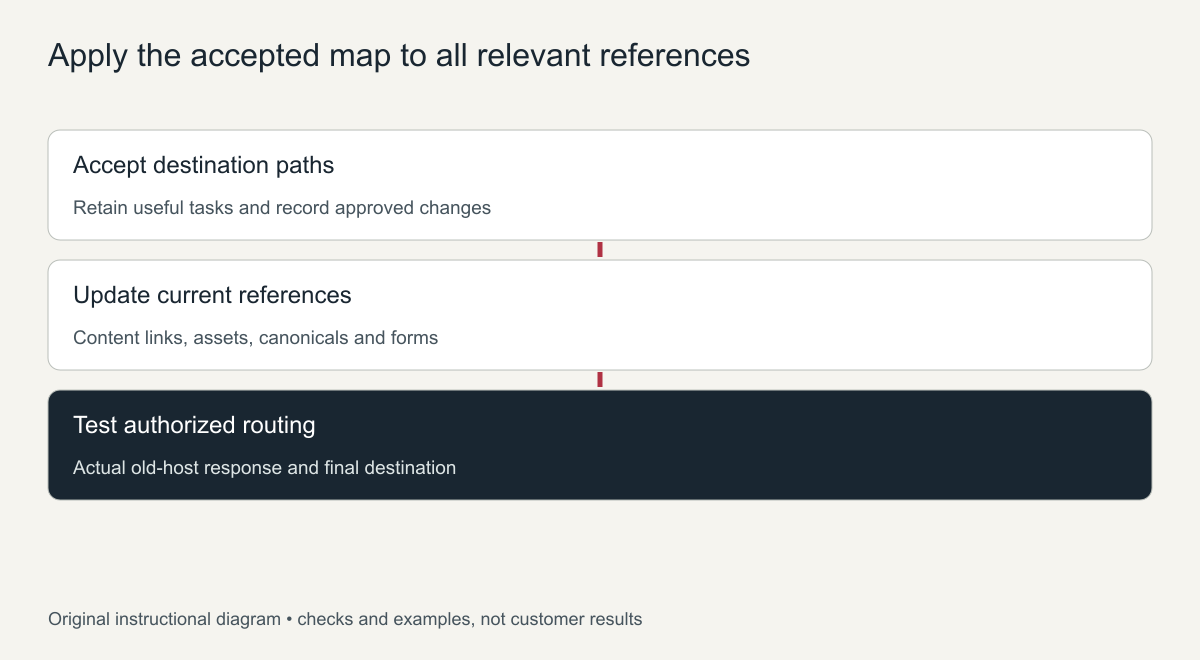
Step-by-step launch checklist
- Download the archived site from a consistent period and keep an untouched copy.
- Build the old-to-new address map and decide what will be omitted.
- Replace old-host references and test the site locally or on a private staging address.
- Point the new domain’s DNS at the host and install an SSL certificate.
- Upload, then click through every page in the map and open every download.
- If you control the old domain, add the 301 redirects and test a sample of old URLs.
- Add the new domain to Google Search Console, submit its sitemap and, if both domains are yours, use the Change of Address tool.
- Record what works, what is missing and what depends on access you do not have.
Separate deployment acceptance from search continuity
Google’s site-move documentation explains the migration steps and warns that rankings can fluctuate. Check the public pages, the sitemap, indexability and any redirects you control, but do not treat those checks as proof that previous visibility returned. If the old domain now belongs to someone else, Google sees your new domain as a new site.
Report indexing or traffic only from the owner’s own data. Content on a new domain also needs truthful branding and current business details; do not imply a connection to a former organization without a basis.
Restore an archived website on a new domain: step-by-step checklist
- Register the new domain and set up hosting and SSL before any page goes live.
- Decide whether the site keeps its old URL paths on the new domain. Keeping the same paths makes redirects from the old domain simple if you control it.
- Rebuild the pages from the chosen snapshots and remove all archive code and web.archive.org links.
- Replace every absolute link that still contains the old domain name, including links in menus, images, scripts and canonical tags.
- Update the business details on the site, such as email addresses, contact forms and logos, if they referred to the old domain.
- Create a new XML sitemap for the new domain and add the domain as a property in Search Console.
- If you control the old domain, add 301 redirects from each old URL to its new address and keep them in place for the long term.
What changes when the domain changes
Moving content to a new domain is more than a search and replace. Search engines treat the new domain as a separate site, so links and history attached to the old address only carry over when the old domain redirects to the new one. If both domains are verified in Search Console and the redirects are in place, the Change of Address tool can tell Google about the move. If you do not control the old domain, the restored site starts on the new domain without that history, and you should plan to build links and visibility from scratch.
Email is the other common surprise. Any mailbox on the old domain stops working when that domain is gone, so update the addresses shown on the restored pages and in form notifications.
Checking the move after launch
In the first weeks after launch, search the new domain in Google with the site: operator to confirm pages are being indexed, and check the Pages report in Search Console for errors. Open a sample of old URLs, if you redirected them, and confirm each one lands on the right new page in a single hop rather than a chain. Watch for images or files that still load from the old domain or from the archive, because those break silently when the old address expires or the archive is slow.
Frequently asked questions
Can I restore an archived website on a new domain without the old one?
Yes. The archive copy can be rebuilt on any domain you control. You only lose the ability to redirect old links, so search history does not transfer automatically.
Will the old domain’s rankings move to the new domain?
Only when the old domain redirects page by page to the new one. Without redirects, the new domain has to earn its own visibility.
Should I keep the same page structure on the new domain?
Usually yes. Keeping the same paths makes redirects simple, keeps internal links working and helps returning visitors find familiar pages.
Frequently asked questions
Can I restore an archived website on a new domain if I lost the old one?
Yes, if you have the right to republish the content. You cannot redirect the old domain, so plan to rebuild links and visibility from scratch.
Will my old rankings move to the new domain?
Only redirects from a domain you control pass signals across, and even then there is no guarantee. Without redirects, expect the new domain to start fresh.
Should I keep the same page URLs?
Keep paths where they still make sense. It simplifies redirects and makes old links easier to fix by hand.
For a ready-to-host copy of the archived files, our HTML website download delivers cleaned pages with links fixed for your new domain. Send the old domain, the new domain and your path decisions with the order.