
waybackurls: How to List Every Archived URL for a Domain
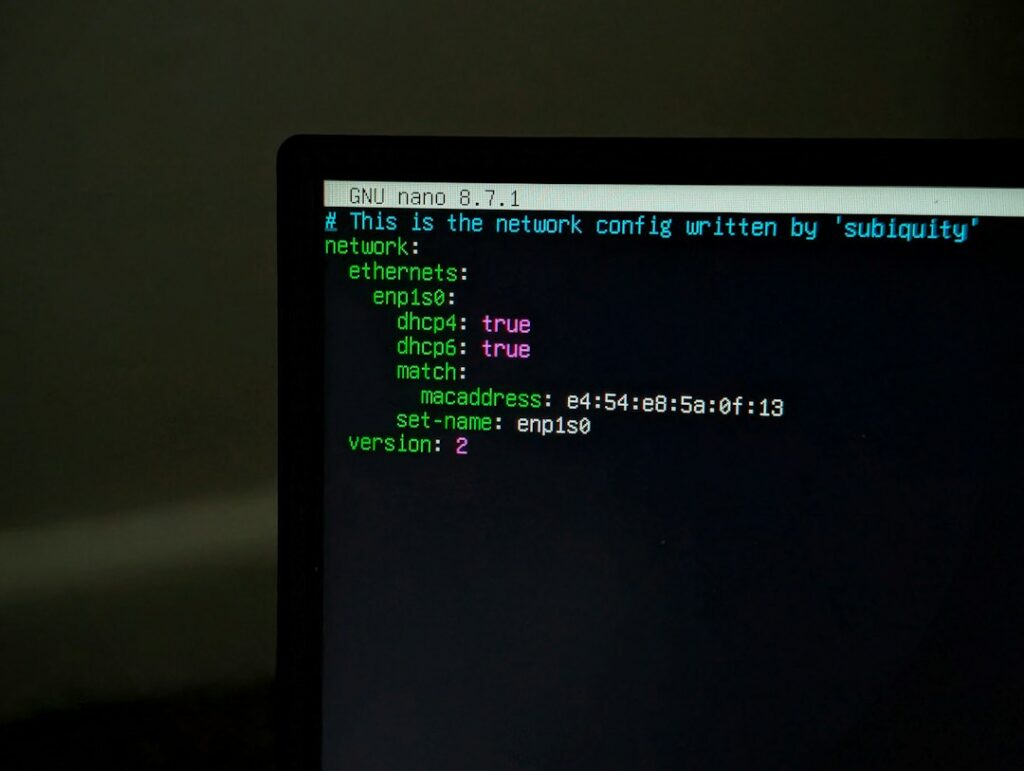
How to install and use waybackurls to list every URL the Wayback Machine has for a domain, clean the output, and use it to plan a download or rebuild.
What to Check Before Relaunching a Restored Website

Before relaunching a restored website, reconcile its pages and assets with the agreed scope, test real navigation and functions, review responsive access, inspect current routing and search settings, and arrange a fresh backup and handover. Record actual pass, fail and not-applicable outcomes; a checklist is not a guarantee of security, accessibility conformance or rankings.
How to Restore an Archived Website on a New Domain

Restore an archived website on a new domain by confirming permission to republish the material, mapping accepted historical pages to the new host, updating current references and testing the deployed result. Redirects from the old domain are possible only where the owner can arrange authorized control of the system serving it. A working new site is not proof of recovered search visibility.
How to Recover Pages Lost During a Website Migration

Recover pages lost during a migration by comparing the old URL inventory with the current site, distinguishing missing content from broken routing, and reconstructing only the gaps supported by suitable sources. Retain useful paths where practical or map genuine changes to appropriate destinations. Do not replace every missing address with a homepage redirect.
How to Preserve Old URLs When Restoring a Website

Preserve old website URLs by inventorying important historical addresses, retaining their meaningful paths where practical, and explicitly mapping necessary changes to appropriate current destinations. Update internal links and canonical references, then test actual responses. Redirecting an old hostname requires authorized control of the system answering that hostname; a new website alone cannot install redirects on someone else’s host.
How to Find Historical Website URLs and Rebuild a Sitemap

Find historical website URLs by combining accessible archive material with authorized owner sources, then inspect and classify the individual addresses. Keep that historical inventory separate from the current XML sitemap: the latter should list suitable live canonical destinations, not every old address you discovered.