
Published by Wayback Downloader.
Before relaunching a restored website, reconcile its pages and assets with the agreed scope, test real navigation and functions, review responsive access, inspect current routing and search settings, and arrange a fresh backup and handover. Record actual pass, fail and not-applicable outcomes; a checklist is not a guarantee of security, accessibility conformance or rankings.
Not sure what survived? Start with a free archive review before you download anything. Or see the prices for each format.
Use a separate authorized test environment for work that could overwrite content, transmit private information or trigger a real purchase. Acceptance should evaluate the purchased deliverable, including documented source gaps, rather than assume every historical feature was recoverable.

Verify the content and resources against the scope
Check the accepted homepage and each required page type, including nested articles, products and downloads. Compare delivered wording, media and attribution with the approved sources. Mark new writing, substitute images and reconstructed styling honestly.
Open actual files rather than judging filenames. A PDF link returning an error document and an image showing only a thumbnail can both look superficially complete in an inventory. Keep accepted exclusions separate from implementation defects.
Copyable acceptance checklist
Copy this table into the project's own record. For each row, select pass, fail or not applicable, record the evidence and assign unresolved work. Every outcome below is intentionally unassessed.
| Check | Outcome to complete | Evidence or unresolved action |
|---|---|---|
| Required pages match the agreed inventory | Unassessed: pass / fail / not applicable | Actual destination list and omissions |
| Text, attribution and replacement decisions are approved | Unassessed: pass / fail / not applicable | Accepted sources and new-work record |
| Images and document downloads load correctly | Unassessed: pass / fail / not applicable | Actual usable files and versions |
| Navigation and important contextual links work | Unassessed: pass / fail / not applicable | Tested routes and final destinations |
| Forms validate and reach the intended recipient | Unassessed: pass / fail / not applicable | Authorized test outcome, not appearance alone |
| New commerce functions meet the agreed scope | Unassessed: pass / fail / not applicable | Authorized selection, checkout and notification tests |
| Narrow and intermediate layouts retain content | Unassessed: pass / fail / not applicable | Actual viewport and interaction observations |
| Keyboard access, focus and important image alternatives are reviewed | Unassessed: pass / fail / not applicable | Findings and agreed repair responsibility |
| Redirects and canonical annotations match the URL plan | Unassessed: pass / fail / not applicable | Actual responses and page annotations |
| Public indexing controls and sitemap output are appropriate | Unassessed: pass / fail / not applicable | Actual robots, page directives and XML |
| Fresh files/database backup and restore responsibility are documented | Unassessed: pass / fail / not applicable | Real backup artifact and separate test plan |
| Owner editing access and outstanding gaps are handed over | Unassessed: pass / fail / not applicable | Demonstrated maintenance task and issue list |
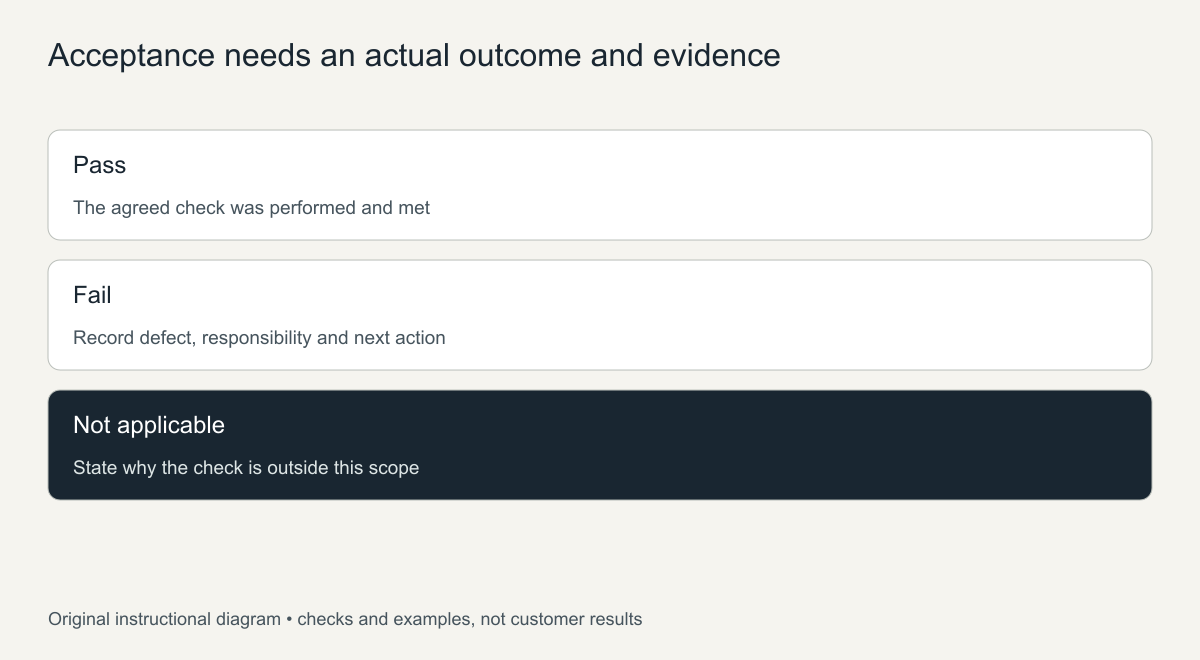
Original acceptance diagram. No pass result is prefilled or implied.
Test functions independently of the recovered appearance
A reconstructed enquiry form needs current recipient configuration, validation and delivery checks. Agree permitted test data and inspect the real result. Do not submit passwords, card information or private customer records merely to demonstrate a public page.
For a store, assign responsibility for current product data, shipping, taxes and payment setup. Use authorized test arrangements, not an unrequested real transaction. The catalog-recovery guide separates public product reconstruction from current commerce acceptance and private order history.
Review mobile access with real content
Inspect long headings, images, tables, downloads and controls at narrow and intermediate widths. Check keyboard navigation and visible focus, not only an empty layout in a builder preview. Keep content available when sections reflow.
W3C's reflow explanation discusses preserving information and function as content adapts. A focused review can identify problems, but does not justify declaring full accessibility conformance without an appropriate assessment.
Inspect search controls and actual URL behavior
Verify relevant direct paths and necessary redirects using the URL-preservation checklist. Check canonical annotations, page-level indexing directives and the current sitemap separately.
Google's robots.txt guidance distinguishes crawler access from indexing control and privacy. Keep private staging material protected appropriately; robots.txt is not authentication. Inspect actual public output rather than assuming a plugin setting proves the right result.
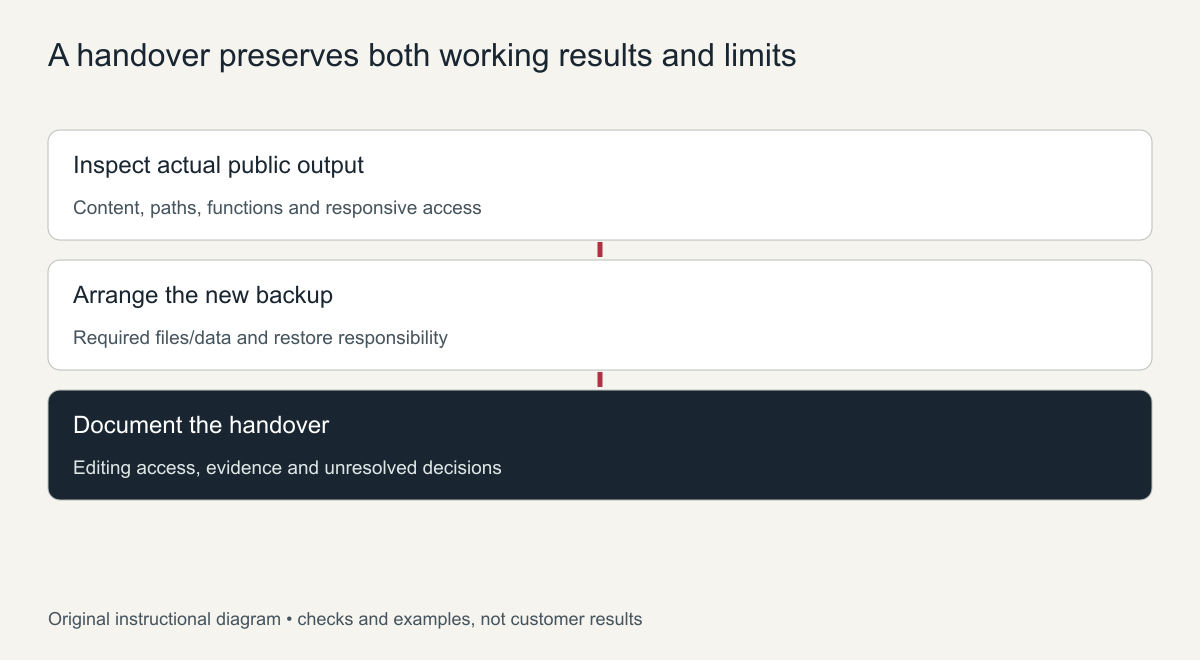
Original handover sequence, not a security or ranking certification.
Back up the new system and document remaining gaps
Arrange a fresh backup of the delivered implementation and its required data. The WordPress backup handbook describes the distinct file and database components. Archived public pages are not the new system's operating backup.
Record where backups are kept, who maintains them and how a separate restoration test will be handled. Use the hosting guide for deployment responsibilities. The delivery and handover scope should identify editing access, actual acceptance evidence and outstanding decisions—not conceal an absent source as a completed feature.
Restored website relaunch day: an order of work
- Take a full backup of the finished site and store it outside the hosting account.
- Confirm DNS points to the correct server and SSL works on every page.
- Remove any noindex settings or password protection used during the rebuild.
- Submit the XML sitemap in Search Console and inspect the homepage and key pages.
- Test every form by sending a real message and confirm it arrives.
- Check redirects from old URLs that changed during the restoration.
- Tell regular customers or partners that the site is back, so returning traffic starts quickly.
The first 30 days after a restored website relaunch
Watch the Pages report in Search Console for errors and pages that are not indexed, and fix them in small batches. Check analytics for pages with high exits that may still have broken elements. Keep the backup routine running from day one, so the site is never again in a position where the archive is the only copy.
Monitoring tools to set up before launch
Set up a few simple tools before the relaunch so problems are noticed quickly. Uptime monitoring sends an alert if the site goes down. Search Console reports indexing and mobile problems. Analytics shows whether visitors reach the pages you expect and where they leave. A scheduled backup, stored off the server, protects the restored work from future loss.
Write down where each tool’s alerts go and who will respond, so a warning in the first weeks does not go unread. Review the reports weekly for the first month, then monthly once the site is stable.
Finally, plan a short review after the first month. Compare enquiries, visits and indexed pages with the weeks before launch, list what still needs attention, and schedule those fixes so the relaunch keeps improving rather than stopping on launch day.
Frequently asked questions
When is a restored website ready to relaunch?
When the agreed pages pass the acceptance checklist, forms work, SSL is active and a backup exists. Missing extras can follow after launch if they are documented.
Should I announce the restored website relaunch?
Yes. Telling customers, partners and social followers brings returning visitors back and helps search engines discover the site again through fresh visits and links.
How long until search traffic returns?
It varies. Google needs to recrawl the pages, which can take days to weeks, and recovery depends on how long the site was offline and its competition.